Video email software for sales
Most inboxes don't play video, so Sendspark gives you an animated GIF thumbnail with a play button that links to your video's landing page. Video email is one part of Sendspark's AI personalized video platform, and it works in Gmail, Outlook and 70+ email, LinkedIn and sales tools.
 SOC 2 Type II
- Read reviews on G2
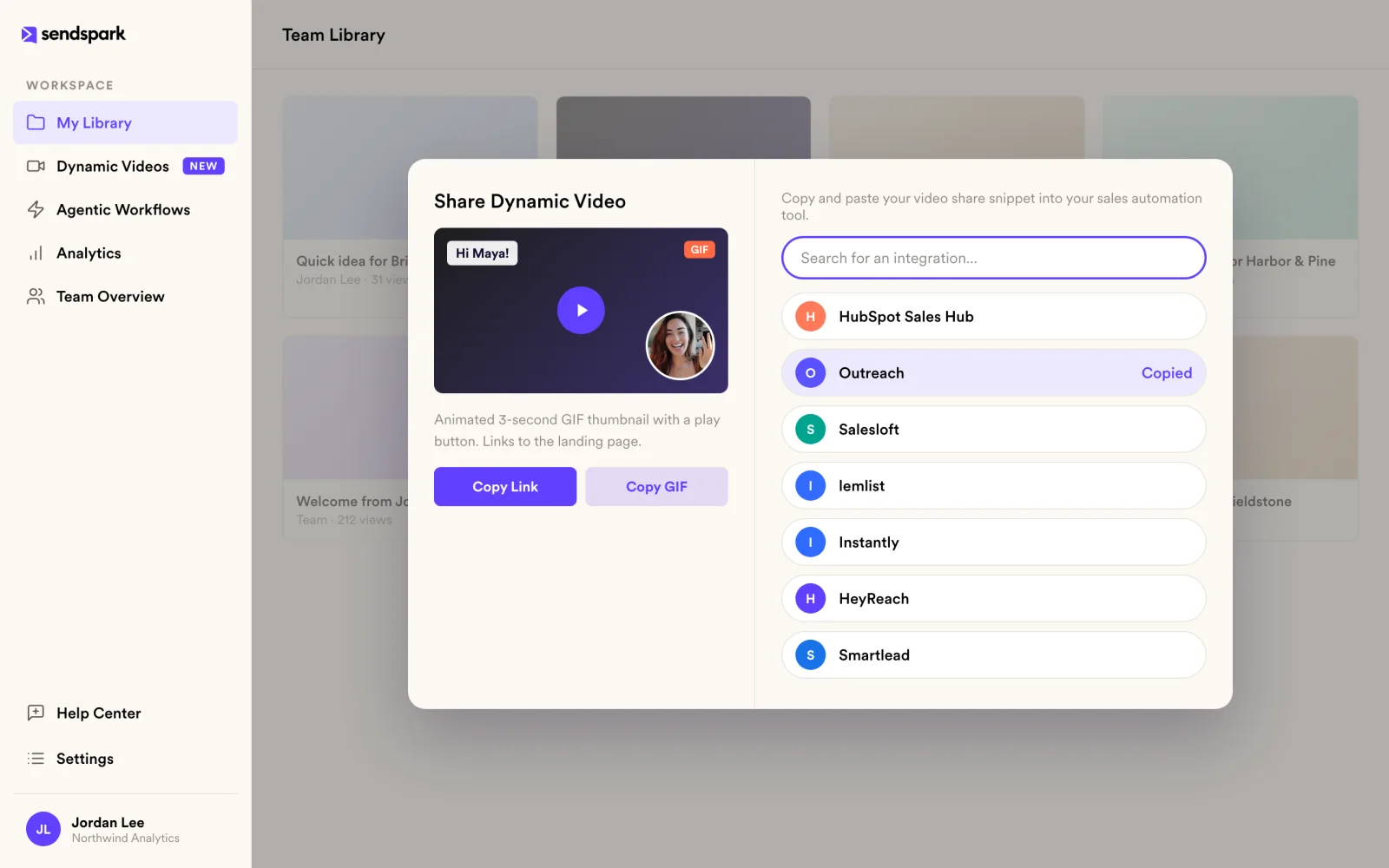
One click from the inbox to your video
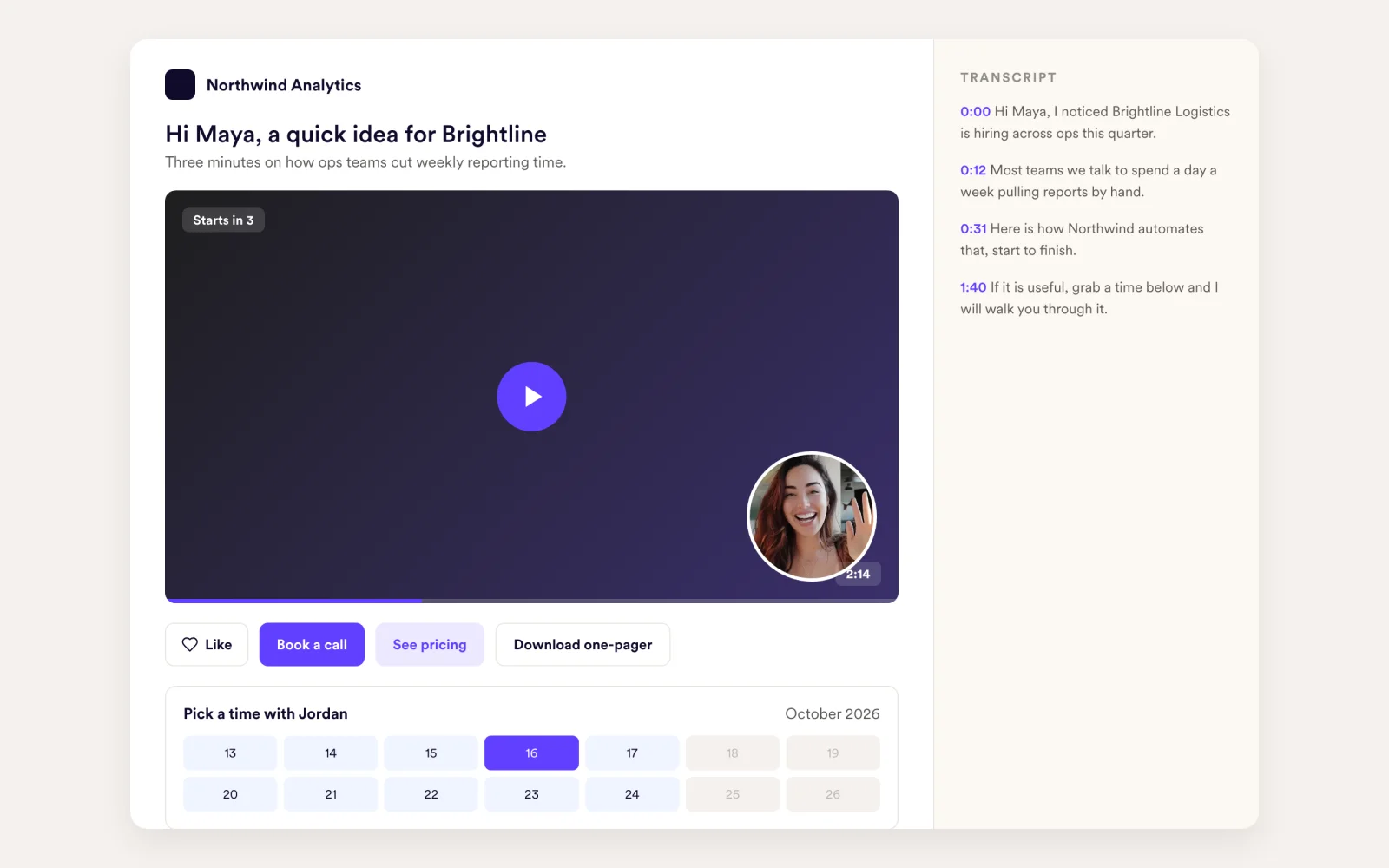
The email carries an animated GIF with a play button. One click opens a branded landing page where the video plays, so it works in Gmail, Outlook and everywhere else.
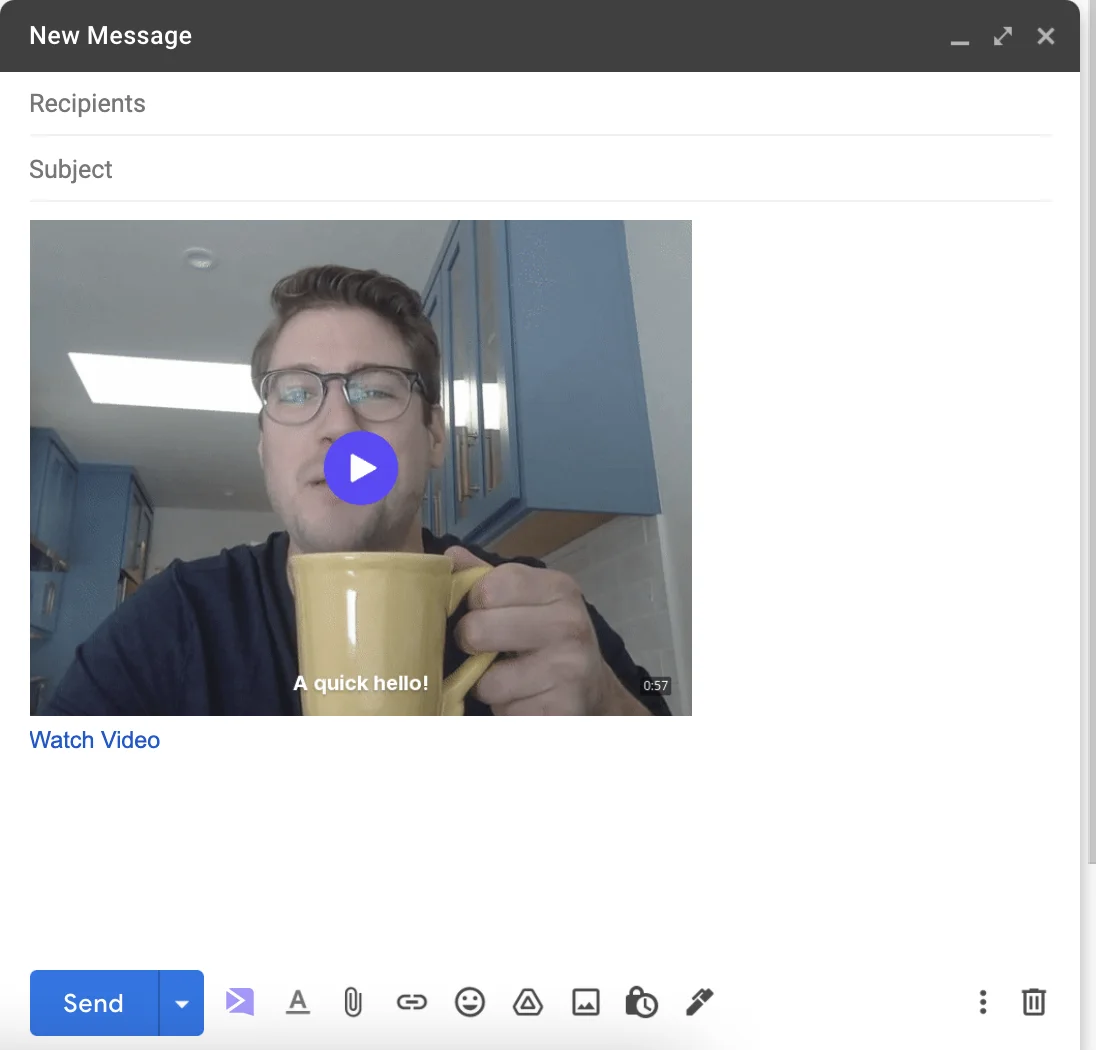
No copying links between tabs
The Chrome extension adds an Insert Video button inside Gmail, with instant integrations for LinkedIn, Intercom, Zendesk, HubSpot, Outreach, Close, Salesforce, ZoomInfo, Saleshandy and Bridger.
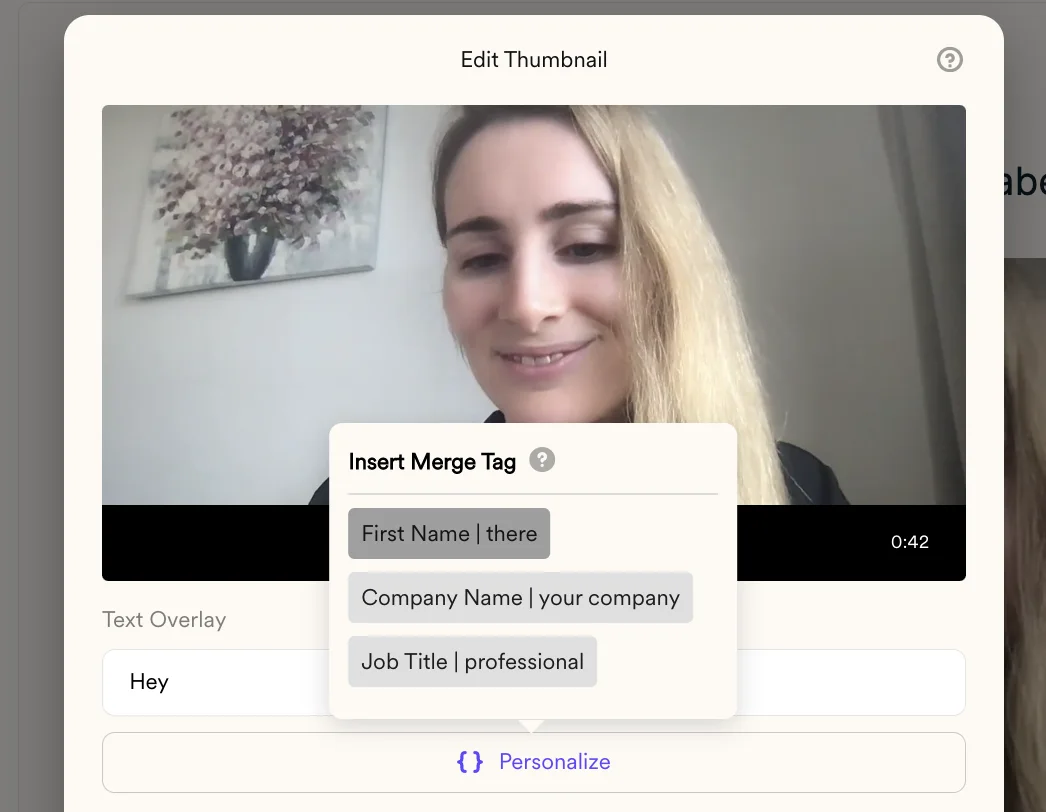
A generic thumbnail looks like a mass send
Thumbnails can show the prospect's name and company logo, so the preview looks personal before they click.
Works in the tools you already send from
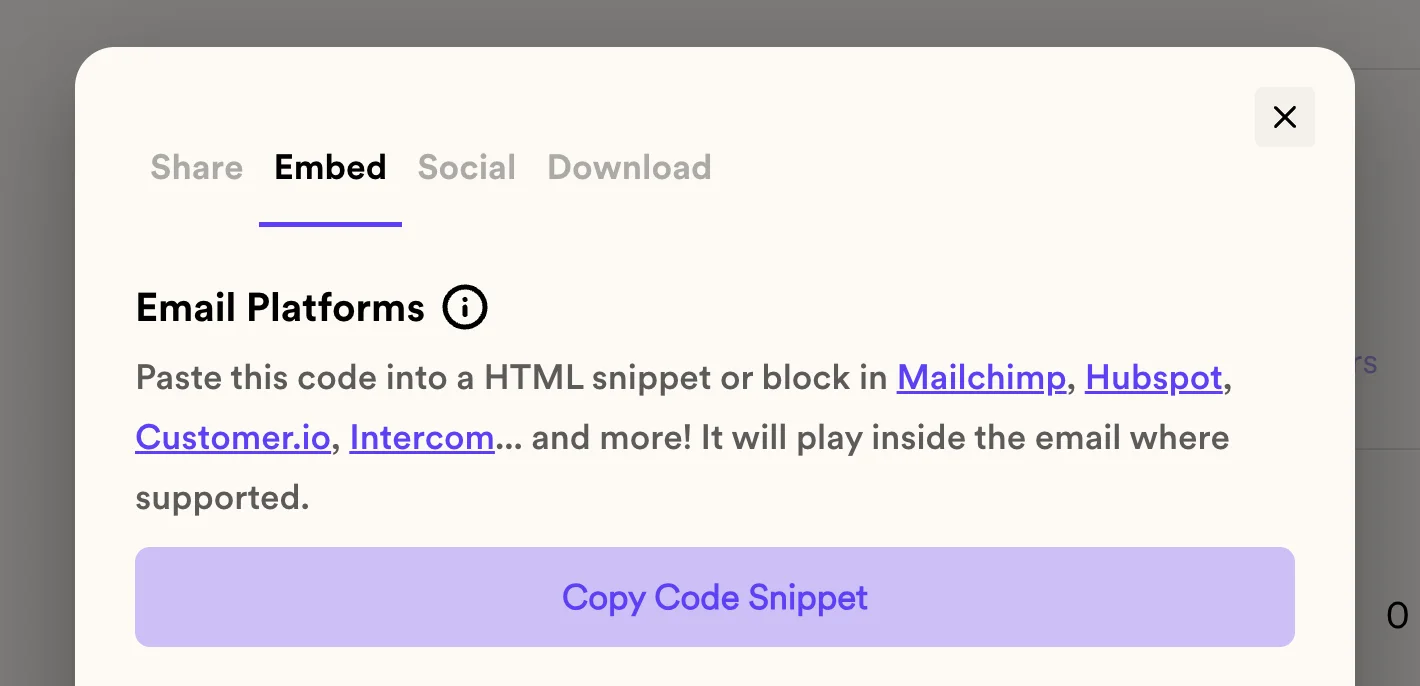
Copy the share snippet for your sequence or email platform. Email platforms can use the embed snippet: an HTML5 video with the GIF as fallback.
How it works
- 1
Pick a video
Record one, request one or upload one.
- 2
Insert or paste
Use Insert Video in Gmail, or copy the share snippet into your sales or email tool.
- 3
See who watched
Views, watch time and CTA clicks show up in analytics, and webhooks can send them to your other tools.
Paste a share snippet into 70+ tools
 Acoustic
 ActiveCampaign
 Amplemarket
 Apollo
 AWeber
 Brevo
Brevo Bridger
 Close
Close Constant Contact
 Customer.io
 Drip
Drip Dripify
 Emma
Emma Expandi
 First Touch
 GivEffect
 GMass
GMass Gong Engage
 Greenhouse
 Grinfi
 Groove
 HeyReach
 HubSpot Marketing Hub
- HubSpot Sales Hub
 Instantly
 Keap
Keap Kit (ConvertKit)
 Klaviyo
 Klenty
 La Growth Machine
 LeadConnector
- LeadConnector Marketing
 LeadSimple
 lemlist
 Loxo
Loxo Mailchimp
 MailerLite
 Mailshake
 Marketo
 Mautic
 Mixmax
 Outreach
 PhoneBurner
 Pipedrive
 Platformly
 Podio
Podio QuickMail
 Reachinbox
 Reply
Reply Rift
Rift Salesforce
- Salesforce Marketing Cloud
 Salesforge
 Saleshandy
 Salesloft
 Scout
Scout Sellular
 SendFox
 SendGrid
 SharpSpring
 Smartlead
 Snov.io
 SourceWhale
 Uptics
 VBOUT
VBOUT Vincere
 Woodpecker
 Zendesk
 Zoho
Zoho ZoomInfo Engage
Goes well with
Frequently asked questions
Why can't I embed a video directly in an email?
Most inboxes don't play video inside the message. Sendspark sends an animated GIF thumbnail with a play button that links to a landing page where the video plays.
Does it work in Outlook?
Yes. The GIF thumbnail and link work in Gmail, Outlook and any other inbox.
Which tools can I send videos from?
Insert directly in Gmail with the Chrome extension, use instant integrations for LinkedIn, Intercom, Zendesk, HubSpot, Outreach, Close, Salesforce, ZoomInfo, Saleshandy and Bridger, or paste the share snippet into more than 70 tools.
Can I see who watched my video email?
Yes. Video analytics show who viewed, how much they watched and who clicked the CTA.
What is the embed snippet?
An HTML5 video embed for email platforms, with the GIF thumbnail as the fallback where video doesn't play.
Updated
Make your next outreach personal.
Record one video and let Sendspark do the rest.
