Video library and hosting for teams
Host every video in one place with folders, personal and team libraries, search, filters and bulk actions. Embed videos on your website, download MP4s and manage access with owner, admin and member roles. The library holds everything your team makes on Sendspark's AI personalized video platform.
 SOC 2 Type II
- Read reviews on G2
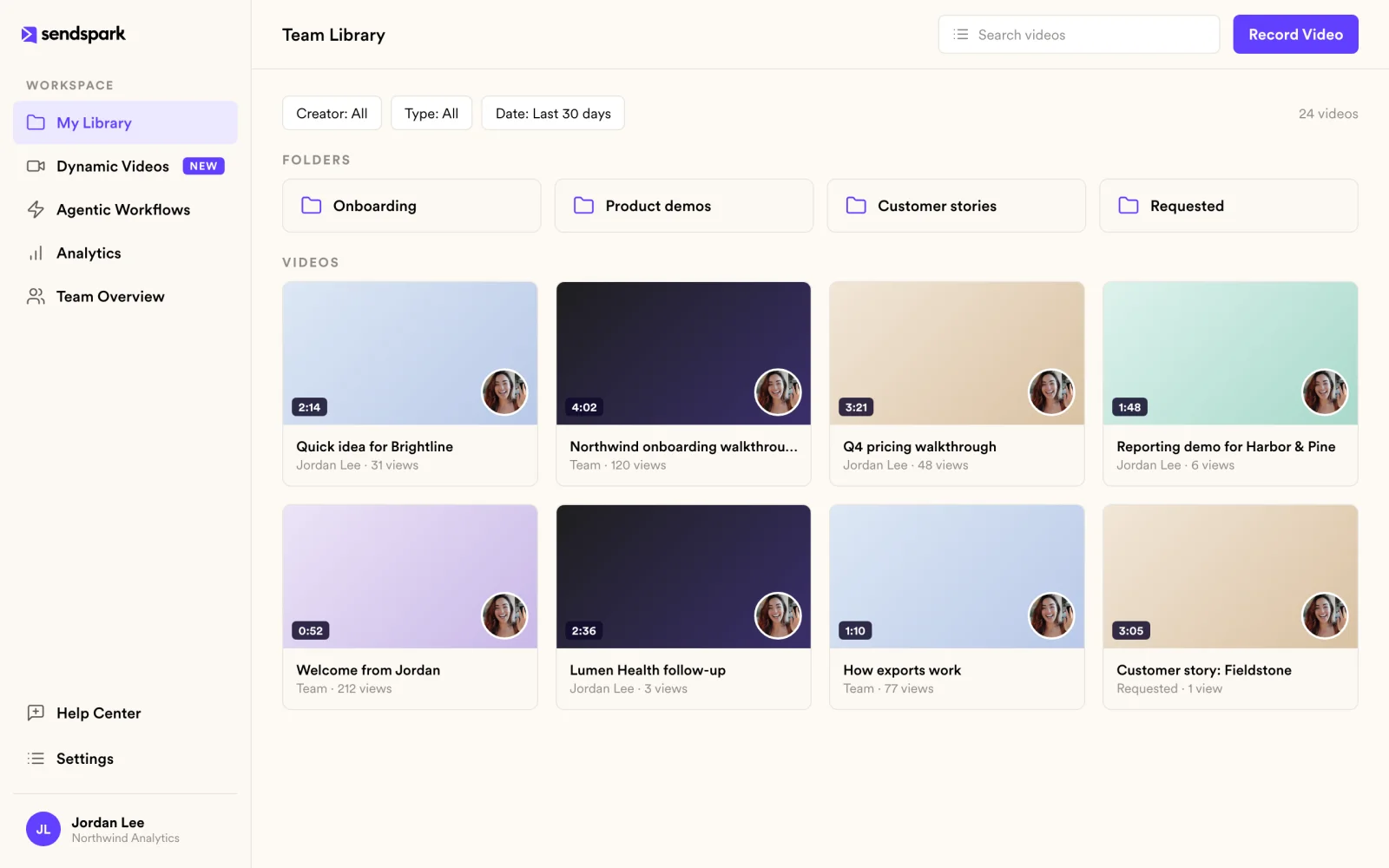
Videos scattered across reps' accounts get lost
Keep personal videos separate from shared ones. Team libraries hold the demos and templates everyone should be able to send.
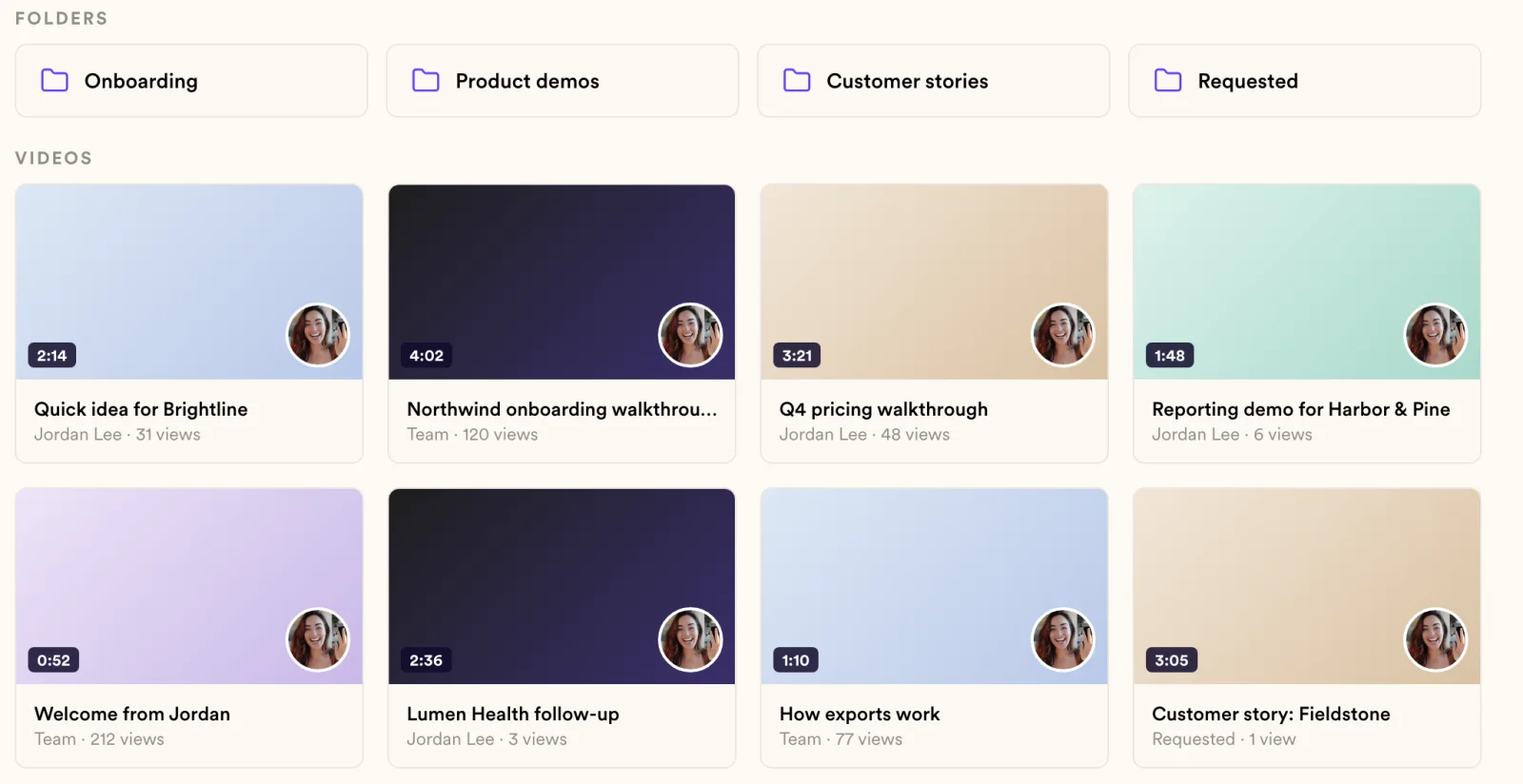
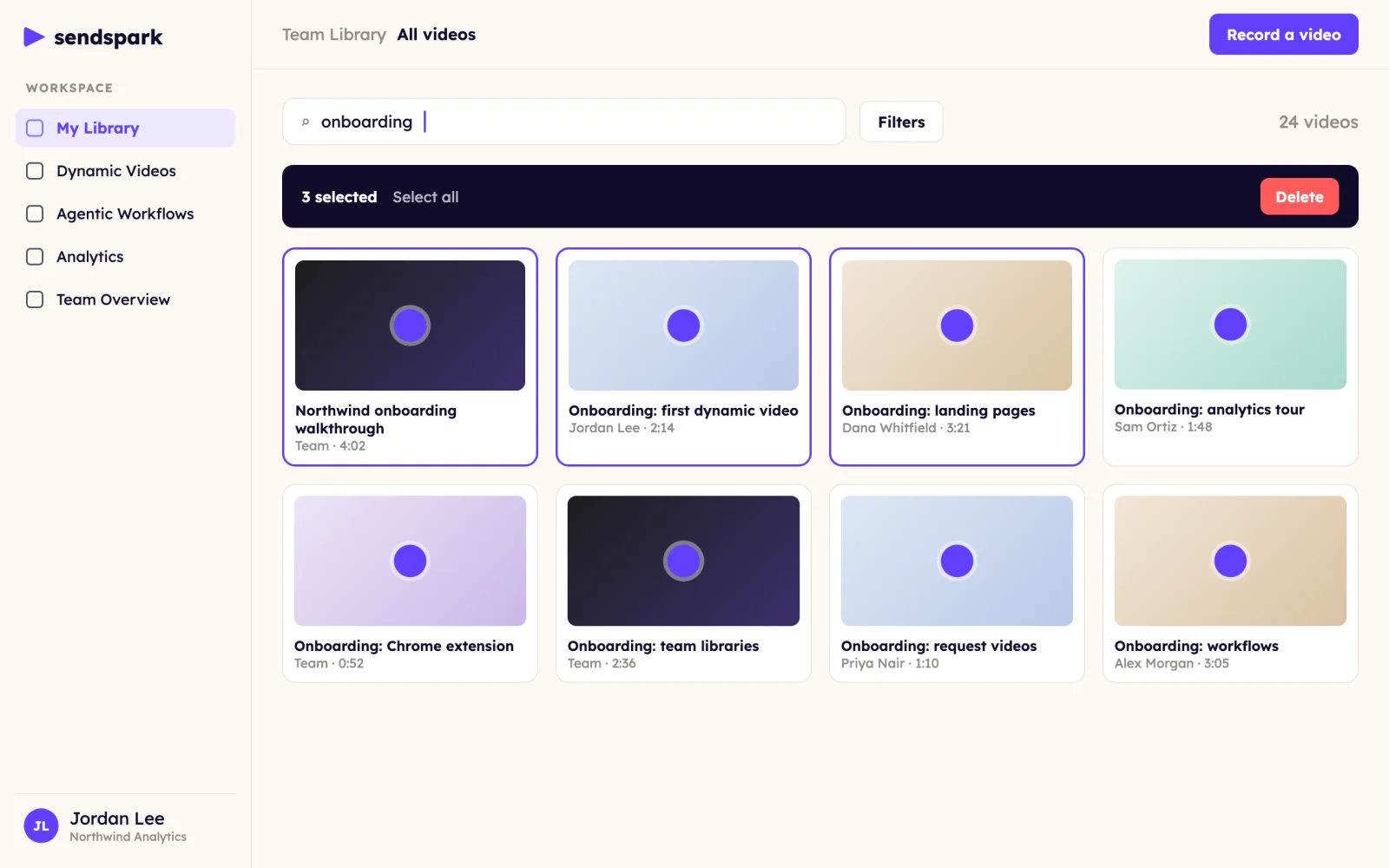
Find the right video without asking around
Search by title and filter the list to find any video. Bulk actions let you clear out old videos in one go.
Your videos shouldn't be stuck in one app
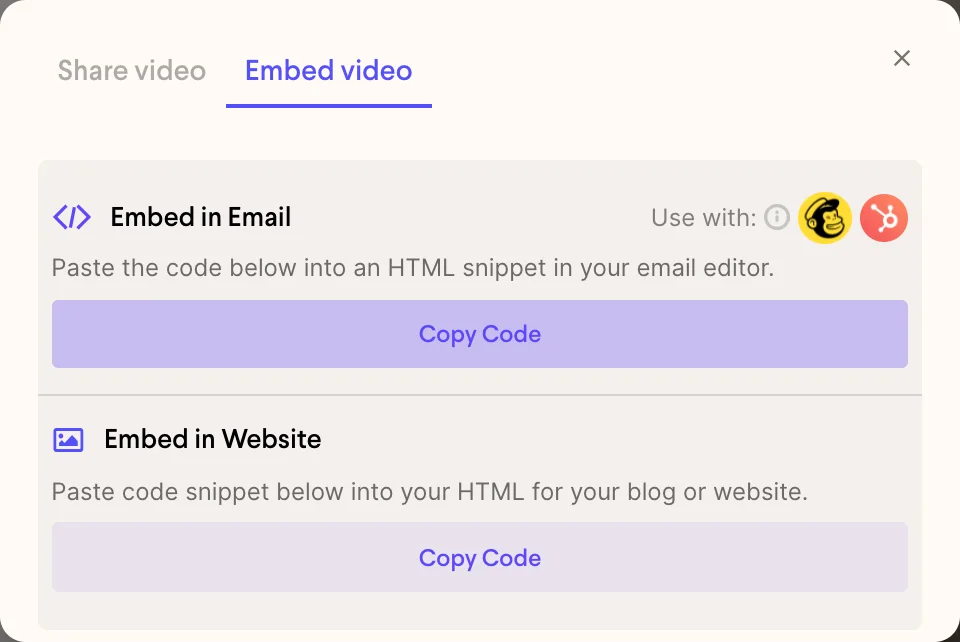
Embed videos on websites with oEmbed support and download MP4s for use outside Sendspark.
Give access without handing over the keys
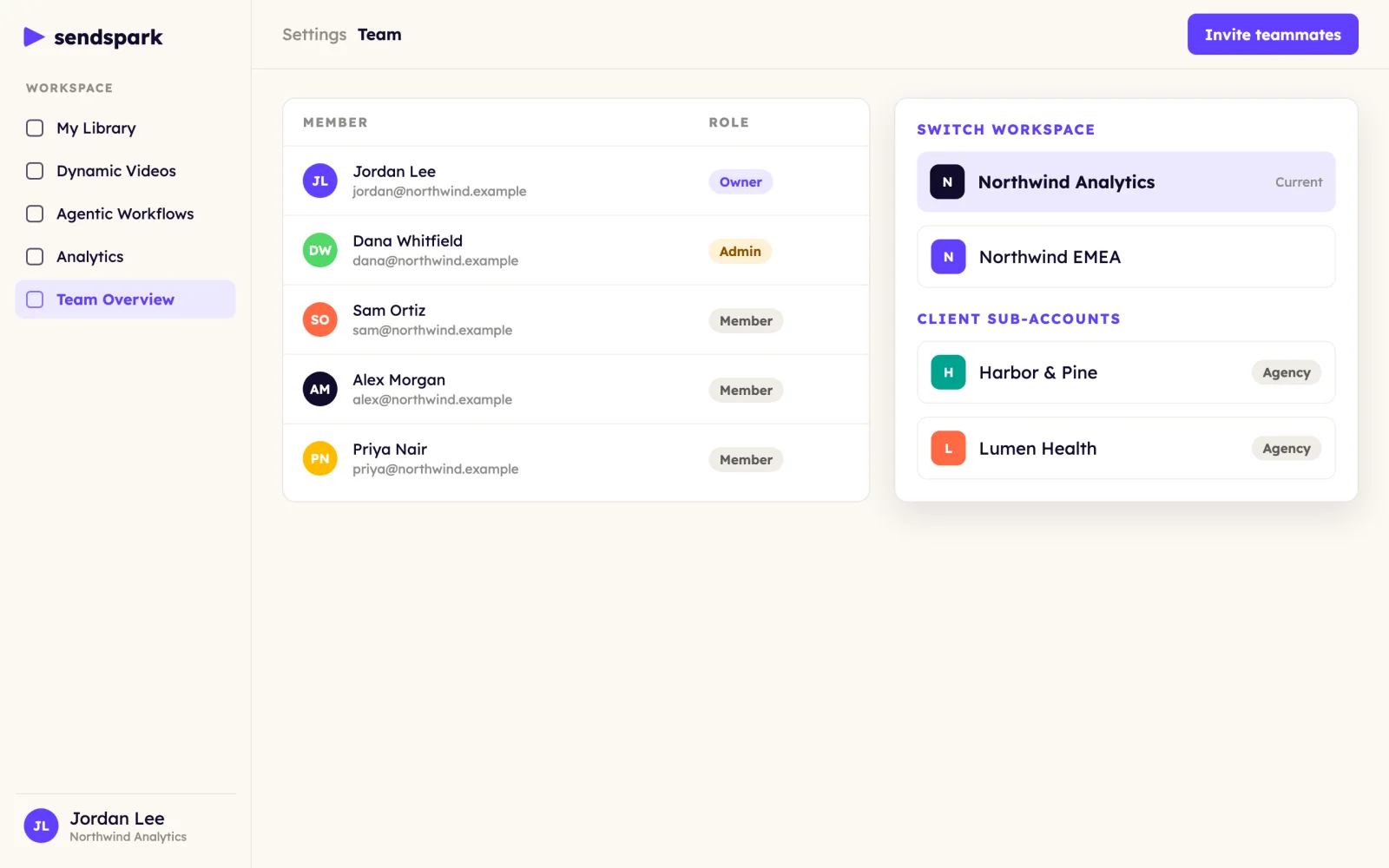
Owner, admin and member roles, multiple workspaces for different teams or brands, and agency sub-accounts for client work.
How it works
- 1
Record or upload
Every video lands in your library.
- 2
Organize
Move videos into folders and team libraries.
- 3
Share
Send a link, embed on a page or download the MP4.
Share from the library to
- Website embeds (oEmbed)
 Gmail
 Outlook
 LinkedIn
 HubSpot
 Salesforce
Goes well with
Frequently asked questions
Can my team share videos?
Yes. Team libraries hold videos everyone in the workspace can see and send. Personal libraries stay private to you.
Can I embed a Sendspark video on my website?
Yes. Videos support embeds with oEmbed. You can also download MP4s.
What roles are there?
Owner, admin and member. You can also run multiple workspaces and agency sub-accounts.
How do I find older videos?
Use search, filters and folders. Bulk actions let you delete many videos at once.
Updated
Make your next outreach personal.
Record one video and let Sendspark do the rest.