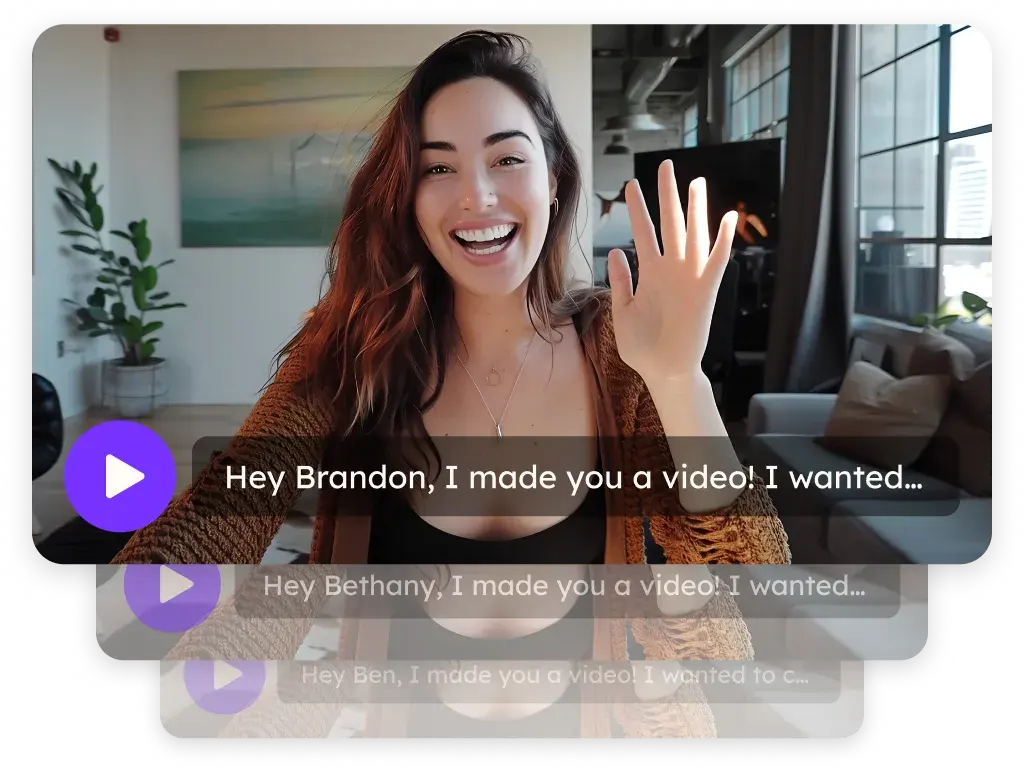
Video for customer success teams
Sendspark is an AI personalized video platform that customer success teams use across the customer lifecycle: onboarding walkthroughs, answers from a shared video library, QBR recaps and renewal check-ins. Every video has captions, a transcript and analytics, and sends from Intercom, Zendesk, HubSpot or Salesforce.
 SOC 2 Type II
- Read reviews on G2
Trusted by sales and marketing teams at











The same question answered again, one ticket at a time
Onboarding walkthroughs get repeated for every account, QBR decks go unread before the call, and renewals arrive as a calendar invite. The team knows the answers; it just keeps typing them out again.
Where a video beats a ticket across the lifecycle
Onboarding
Record a screen walkthrough of the customer's own account with your camera in the corner. Add captions so it works on mute.
Record VideosSupport answers
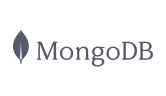
Keep common answers in a team library folder. Search it, paste the video into Intercom or Zendesk, and stop re-recording the same fix.
Video LibraryQBRs
Send the recap before the call. Watch-percentage analytics show which stakeholders watched and where they stopped.
Video AnalyticsRenewals
Record once for the renewal cohort and let Sendspark say each customer's name. Put a calendar CTA on the landing page.
AI Personalized Video
Customers see their own account, with you pointing the way
Record screen, camera or both from Chrome or the desktop app, up to 1080p. Camera spotlight and on-screen drawing point at what matters. Trim and combine clips before you send.
Explore Record Videos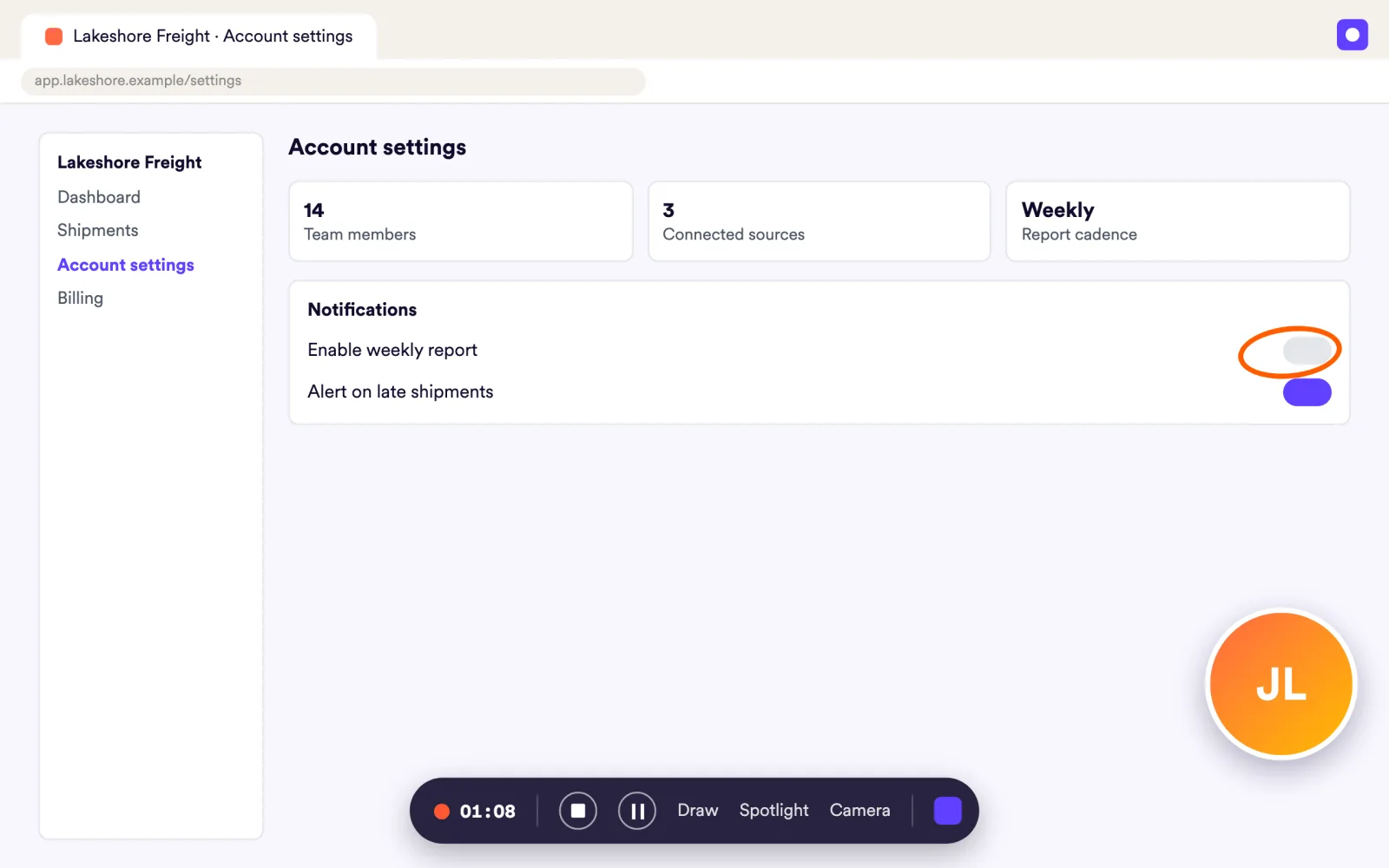
Customers send you the video instead of describing the bug
Request Videos sends a link, and the customer records or uploads a video for you: a bug they're seeing, a story for your case study. Requests work from Intercom too.
Explore Request Videos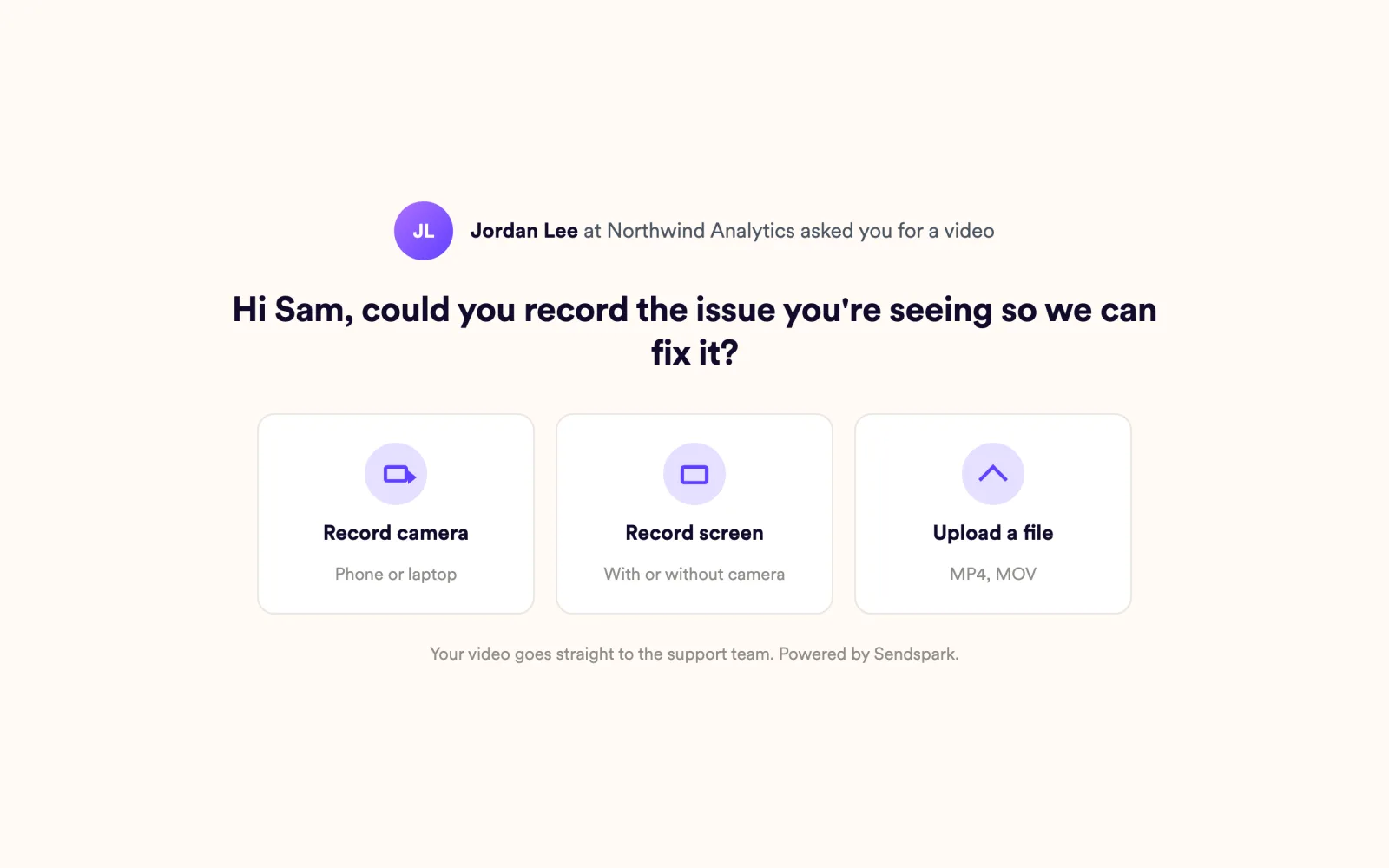
You know who watched the recap before the QBR starts
Per-video analytics show who viewed, how much they watched, CTA clicks and likes. Team Insights adds top performers, the member leaderboard and top videos. Team Insights is on every plan, with every widget on Growth and above.
Explore Video Analytics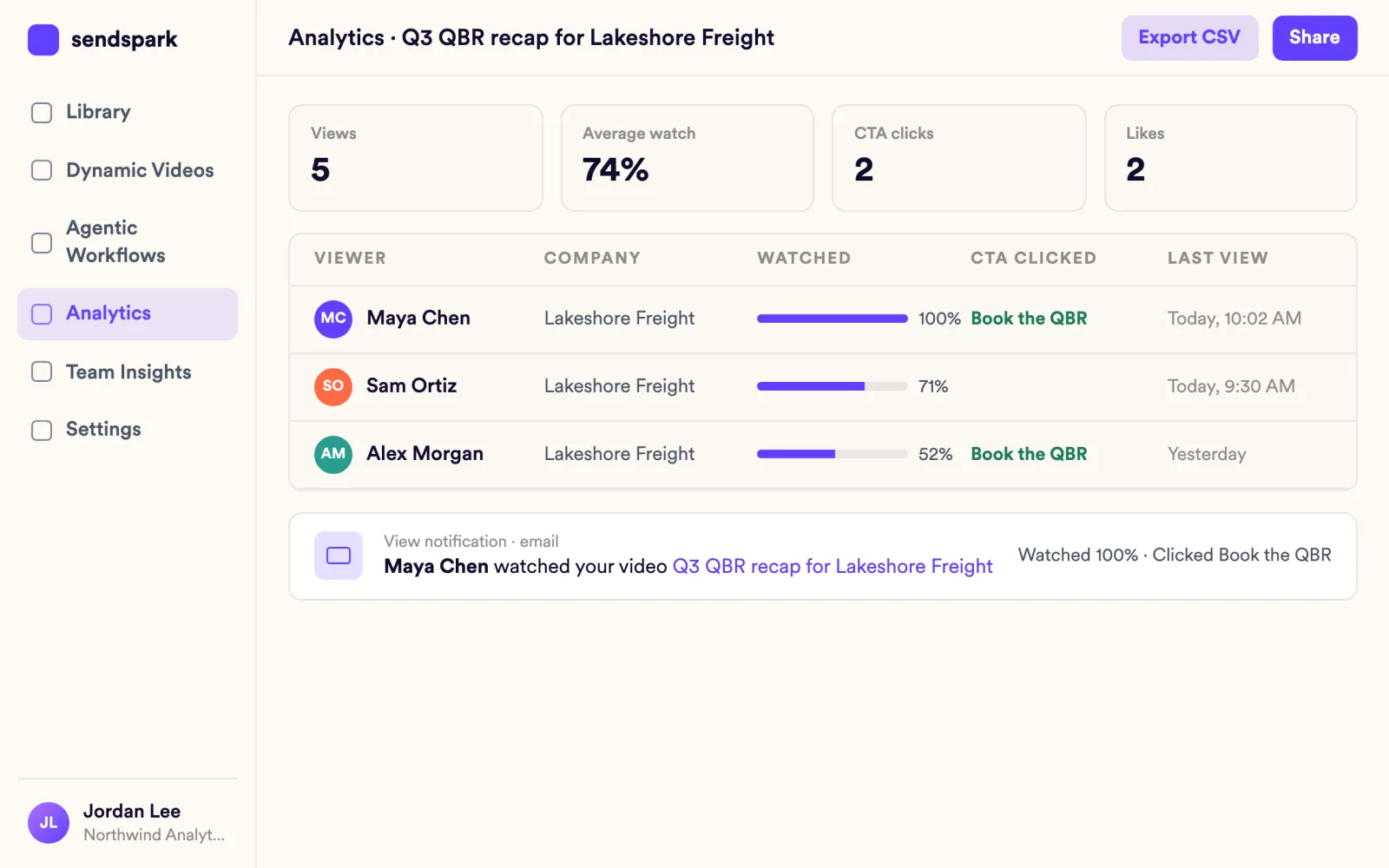
Every answer lives where customers already look
Folders, personal and team libraries, search, filters and bulk actions keep every answer findable. Embed a video on any page with oEmbed or download the MP4.
Explore Video Library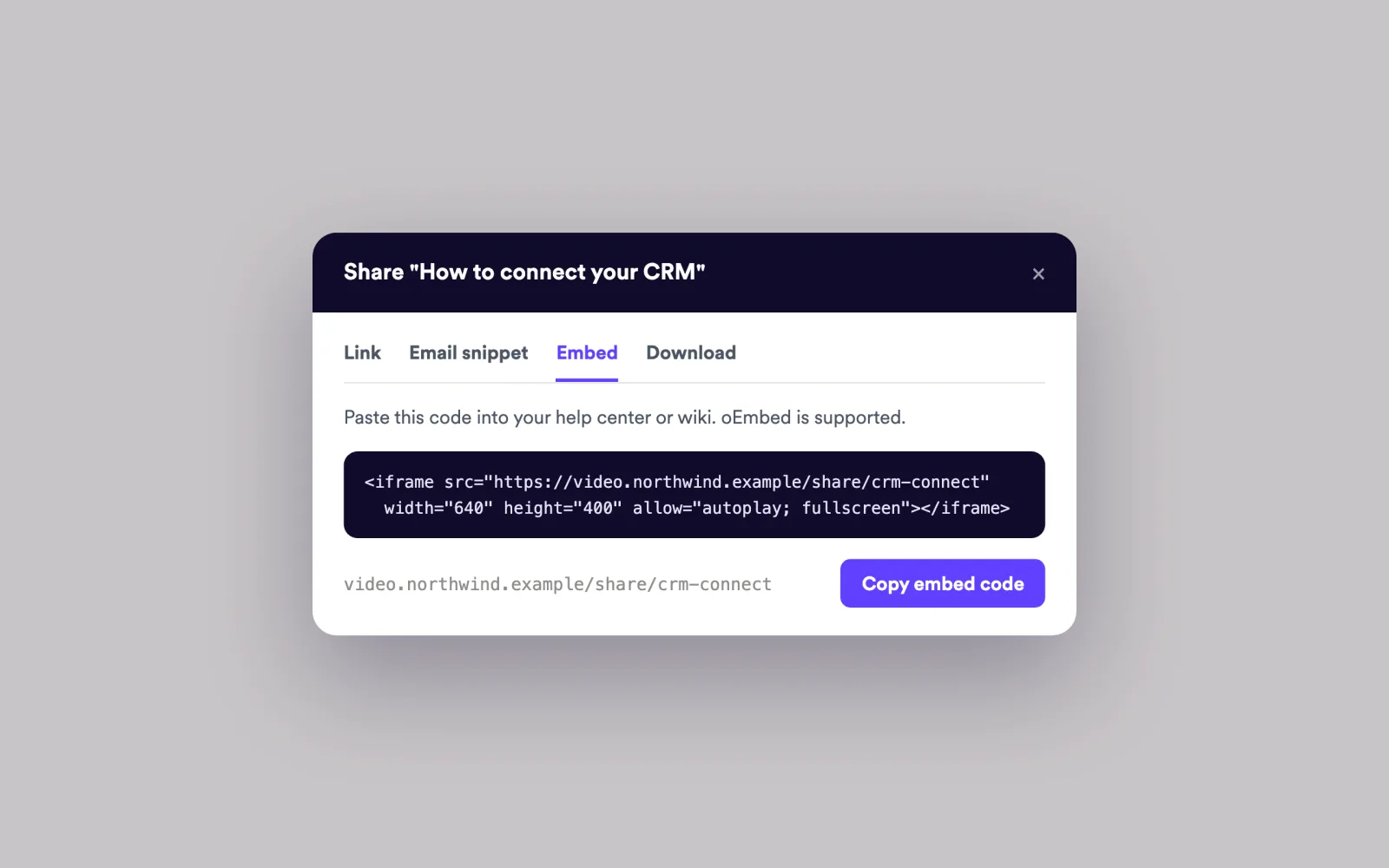
Teams that closed the gap
Sendspark has transformed the way we approach both sales and customer service. The personalized video messages not only increased our demo bookings but also enhanced our customer interactions by adding a human touch.
I love how fast Sendspark is. It takes just a minute for me to make a video, and just a minute for customers to watch. And our customers' time is precious!
One of the things I really like about Sendspark is the ability to create different templates based on the type of video. This saves us a lot of time and ensures consistency.
Works with your support desk and CRM
See all integrations Intercom
 Zendesk
 HubSpot
 Salesforce
 Gmail
 Outlook
Frequently asked questions
Can we reuse the same answer video for many customers?
Yes. Keep it in a team library folder, search for it and paste its share snippet into Intercom, Zendesk, email or your CRM. Analytics stay per video.
Do videos have captions?
Yes. Every video gets auto captions, and you can add captions in other languages. Viewers can open a transcript panel, and you can download the transcript.
Can we ask a customer to record a video for us?
Yes. Send a request link by email or from Intercom, and the customer records their camera or screen, or uploads a file, with no Sendspark account needed.
Can CS managers see team activity?
Yes. Team Insights, the team dashboard, shows top performers, the member leaderboard, top videos and activity over time. It's on every plan, with every widget on Growth and above.
Can I personalize a renewal video for a whole cohort?
Yes. Record once and Sendspark creates a version for each customer that says their name in your cloned voice. Voice cloning and name personalization are on Solo and above.
Updated
Make your next outreach personal.
Record one video and let Sendspark do the rest.