Video landing pages for sales
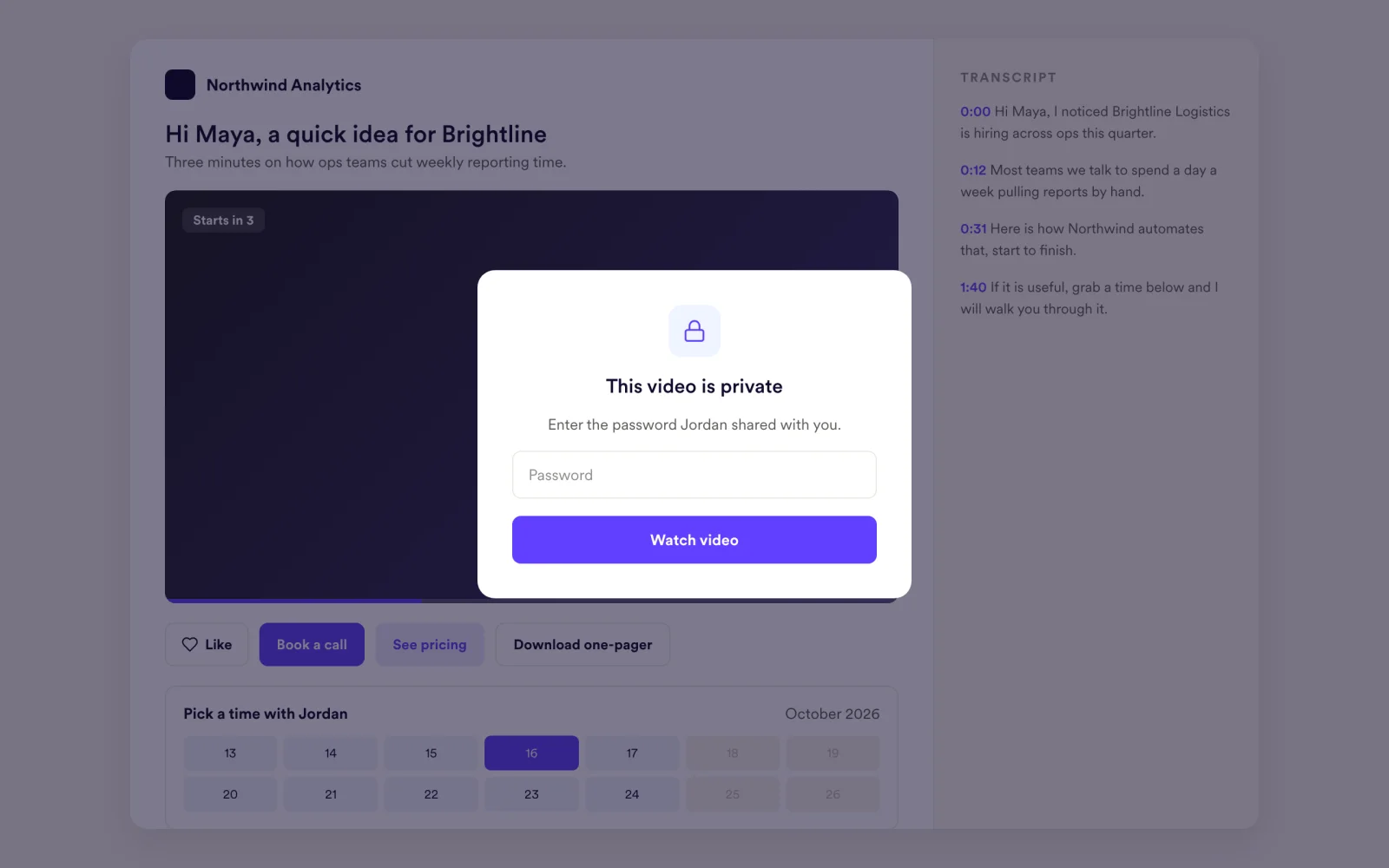
Every video you send opens on a branded page with your colors and a clear next step: book a meeting, click a link or call you back. Sales and customer teams on Sendspark's AI personalized video platform use these pages to turn a view into a meeting. Custom logo and domain are on Growth and above.
 SOC 2 Type II
- Read reviews on G2
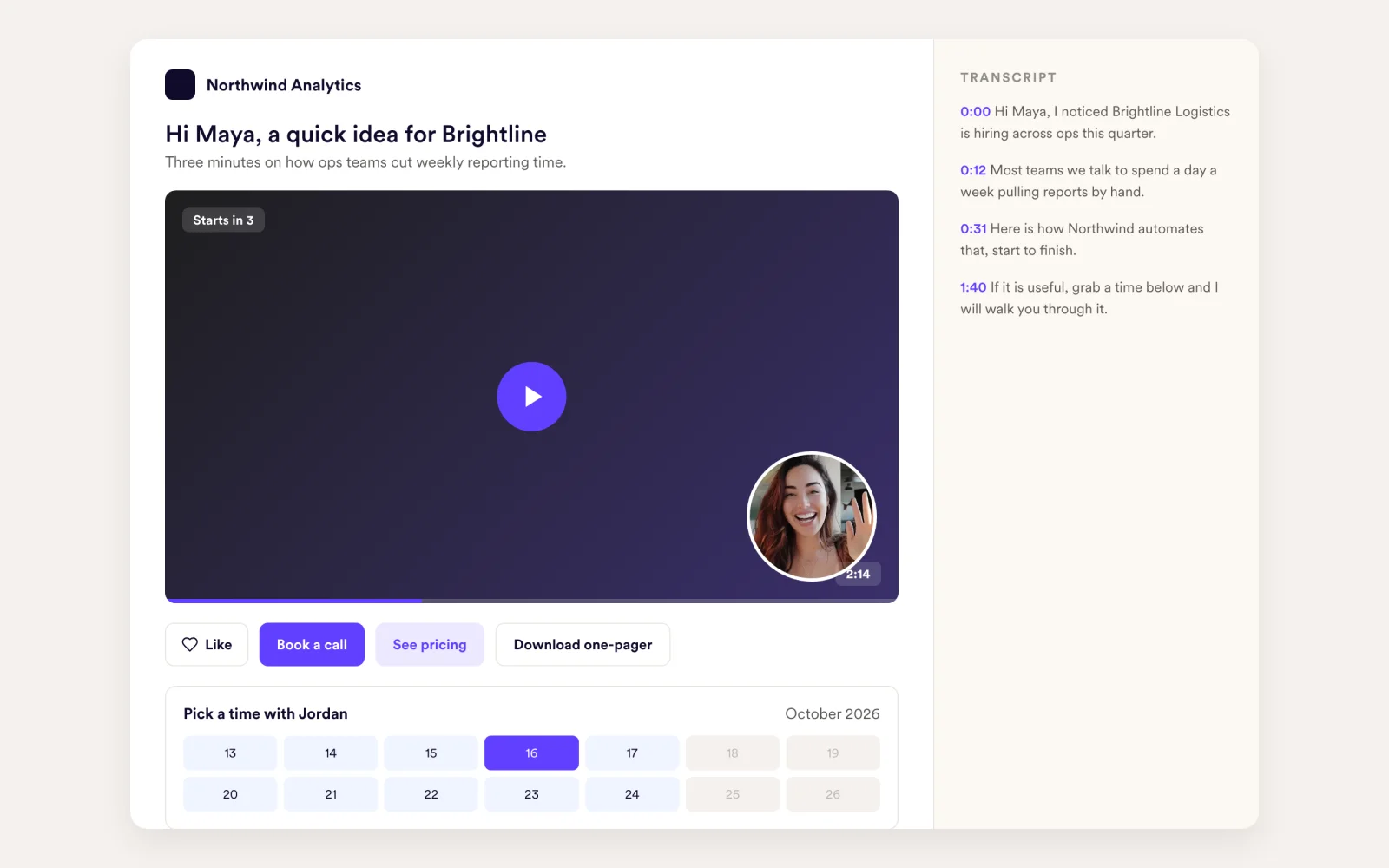
Your brand, not ours
Pick a template and set your colors. Write a header and a message, turn on viewer likes, autoplay and an optional countdown. Add your own logo and custom domain on Growth and above.
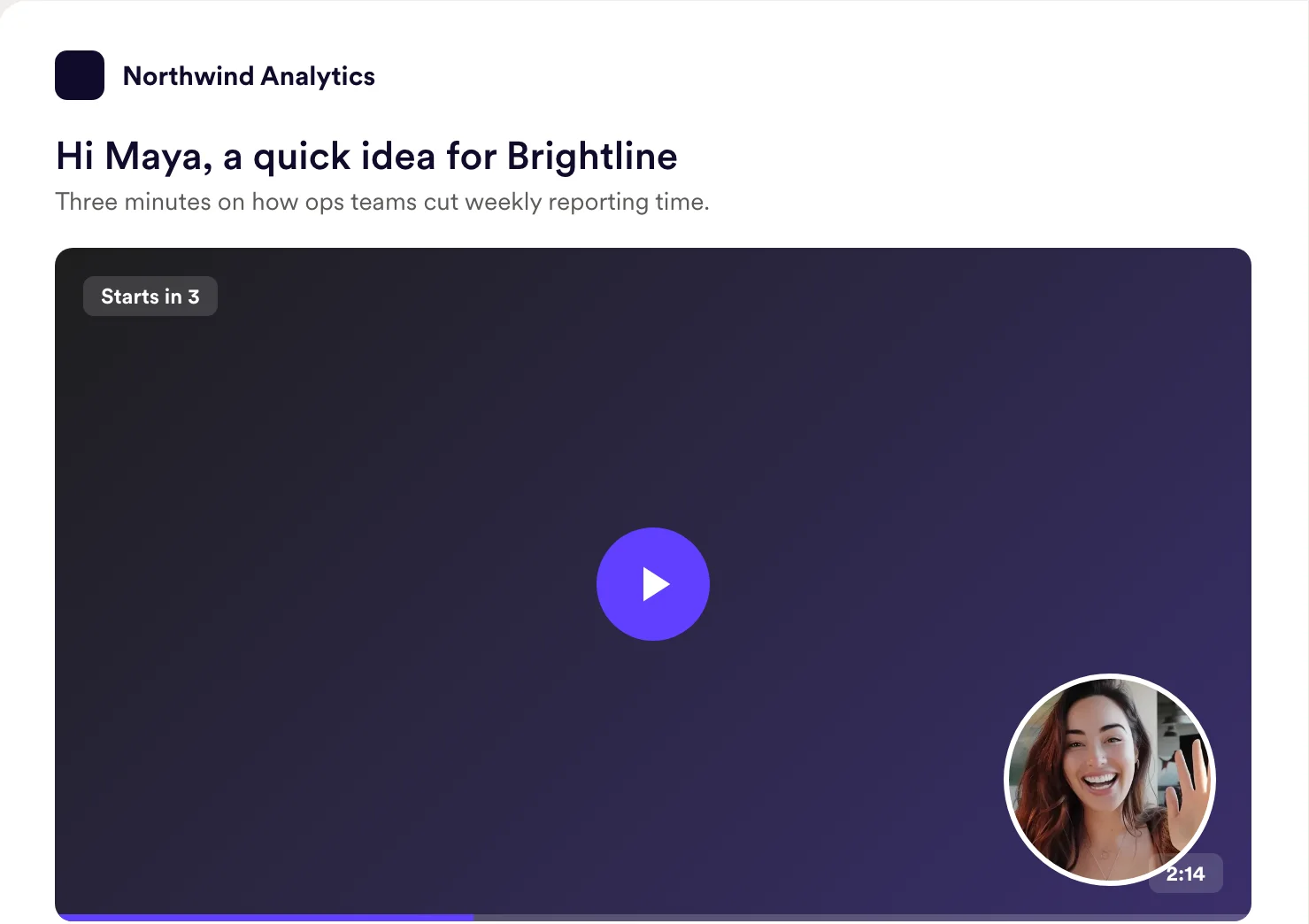
Don't leave the next step to chance
Add buttons that open a URL or a calendar, call a phone number, send an SMS or download a file. Use several CTAs on the same page.
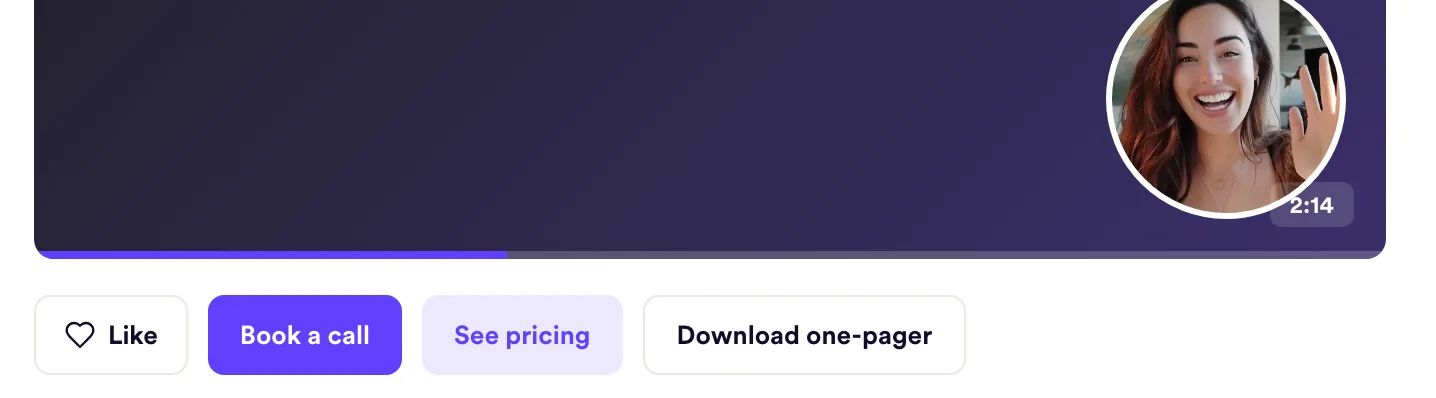
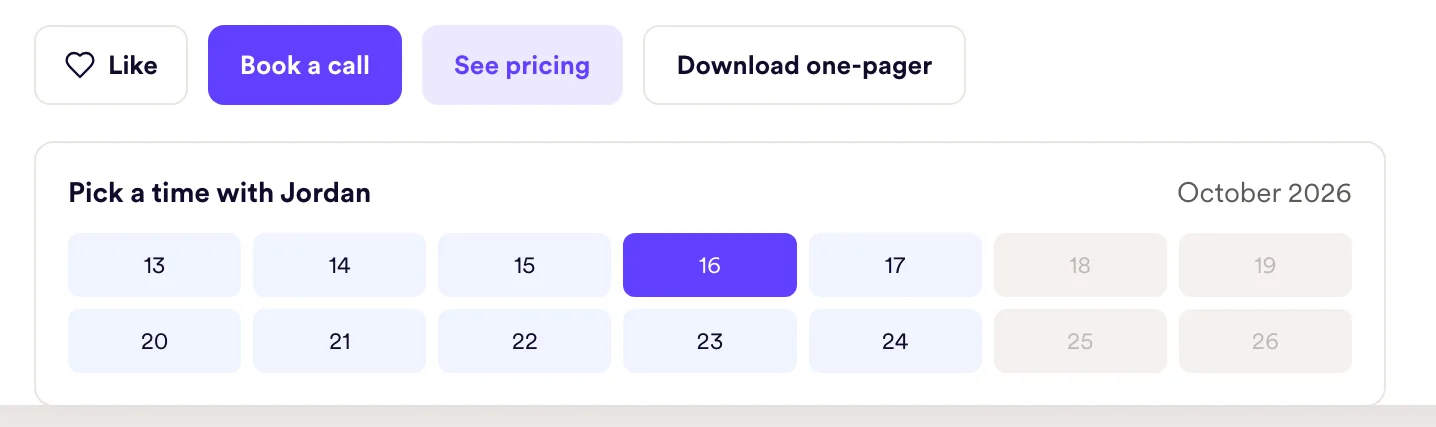
Skip the back-and-forth over meeting times
Embed your booking calendar right below the player. Viewers pick a time without leaving the page. Works with 24 scheduling tools.
Some videos shouldn't be public
Add password protection to any video, and only viewers with the password can watch.
Five ways to say "next step"
Send viewers to a pricing page, a case study or a signup form.
Open your booking link or scroll to the embedded calendar.
One tap to call you from a phone.
Start a text thread with your number prefilled.
Share a one-pager, proposal or deck.
How it works
- 1
Pick a template
Set your colors once; every video page uses them.
- 2
Add the next step
Add one or more CTA buttons and embed your calendar.
- 3
Send
Every link and GIF thumbnail you share opens this page.
Embed a calendar from 24 tools
 Google Calendar
 Outlook
 HubSpot
 Calendly
 Chili Piper
 Cal.com
 Salesloft
 Outreach
 Mixmax
 Groove
 HighLevel
 Pipedrive
 RevenueHero
 Motion
 TidyCal
 YouCanBookMe
 LemCal
 Appointlet
 Anny.co
 GReminders
 Paperform
 Passion
 SharpSpring
 TimeZest
Goes well with
Frequently asked questions
Can I add more than one CTA to a landing page?
Yes. Add several CTA buttons to the same page. Each one can open a URL or a calendar, call a phone number, send an SMS or download a file.
Which calendars can I embed?
Google Calendar, Outlook, HubSpot, Calendly, Chili Piper, Cal.com, Salesloft, Outreach, Mixmax, Groove, HighLevel, Pipedrive, RevenueHero, Motion, TidyCal, YouCanBookMe, LemCal, Appointlet, Anny.co, GReminders, Paperform, Passion, SharpSpring and TimeZest.
Can I use my own domain and logo?
Yes. Custom domain and custom logo are available on Growth and above.
Can I protect a video with a password?
Yes. Turn on password protection for any video, and only viewers with the password can watch.
Is there a transcript for viewers?
Yes. Every landing page has a viewer transcript panel.
Updated
Make your next outreach personal.
Record one video and let Sendspark do the rest.
