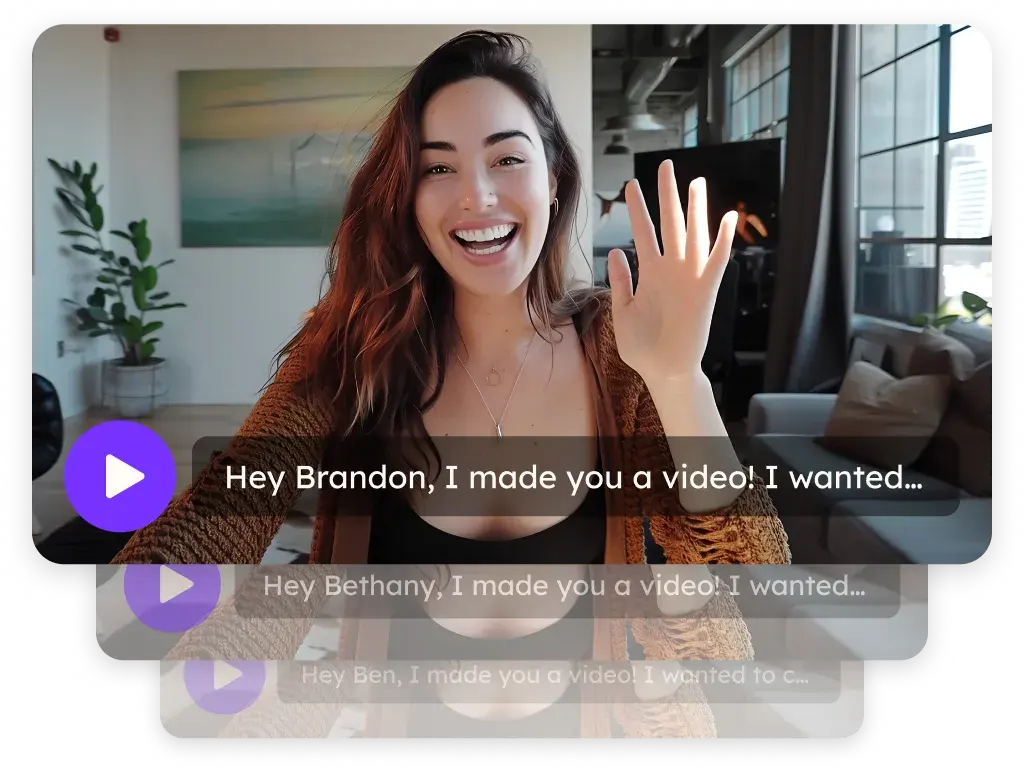
Automated personalized video workflows
Generate and send a personalized video automatically when a trigger fires, such as a contact added in your CRM or a step in a sequence. Automated Workflows put Sendspark's AI personalized video on autopilot, with no rep clicking send. They're on Growth and above; task quotas apply.
 SOC 2 Type II
- Read reviews on G2
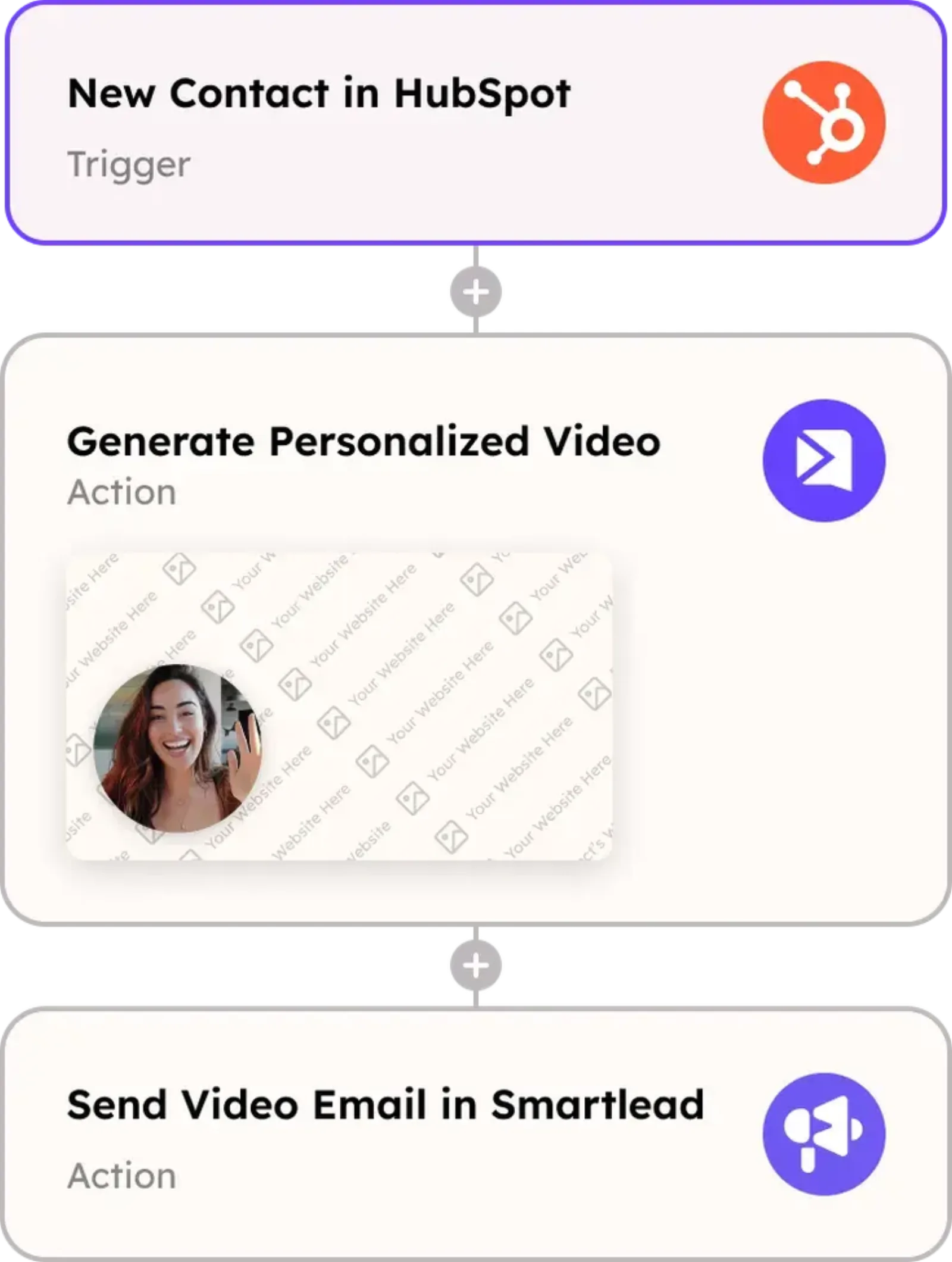
Manual recording can't keep up with your pipeline
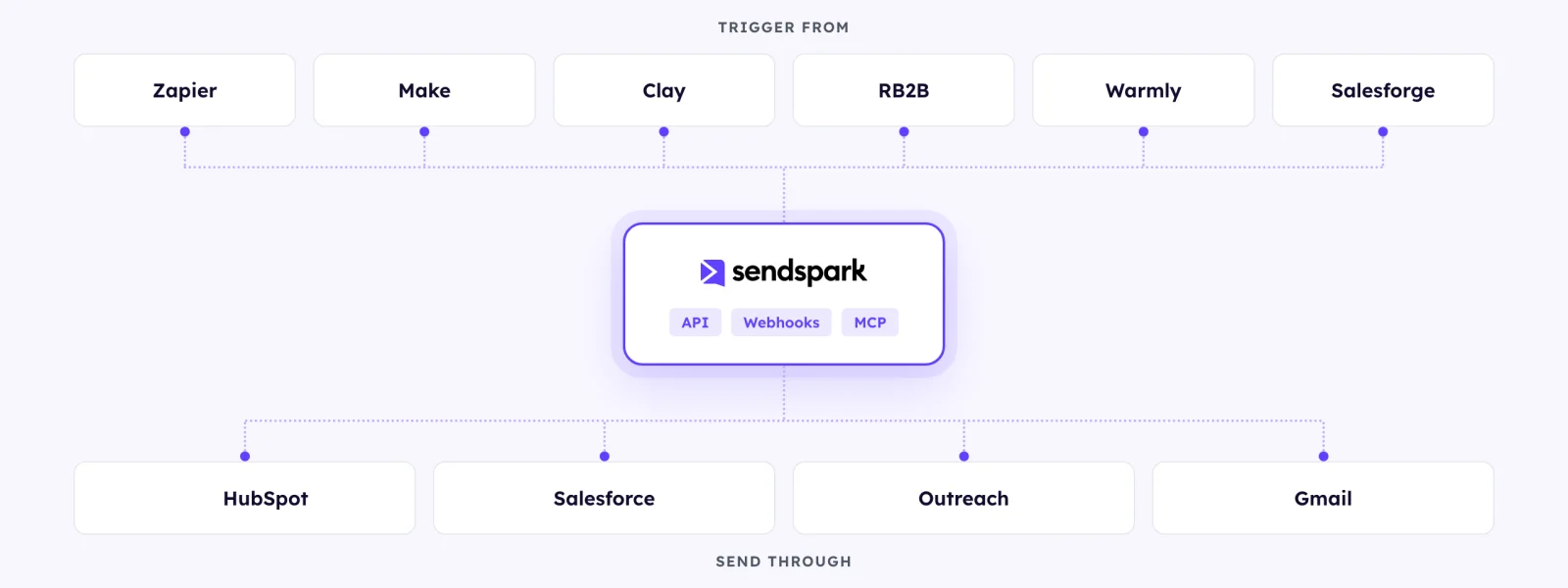
Start a workflow when a contact is created in HubSpot or Salesforce, a row lands in Clay, a signal fires in RB2B or Warmly, or a Zapier or Make scenario runs.
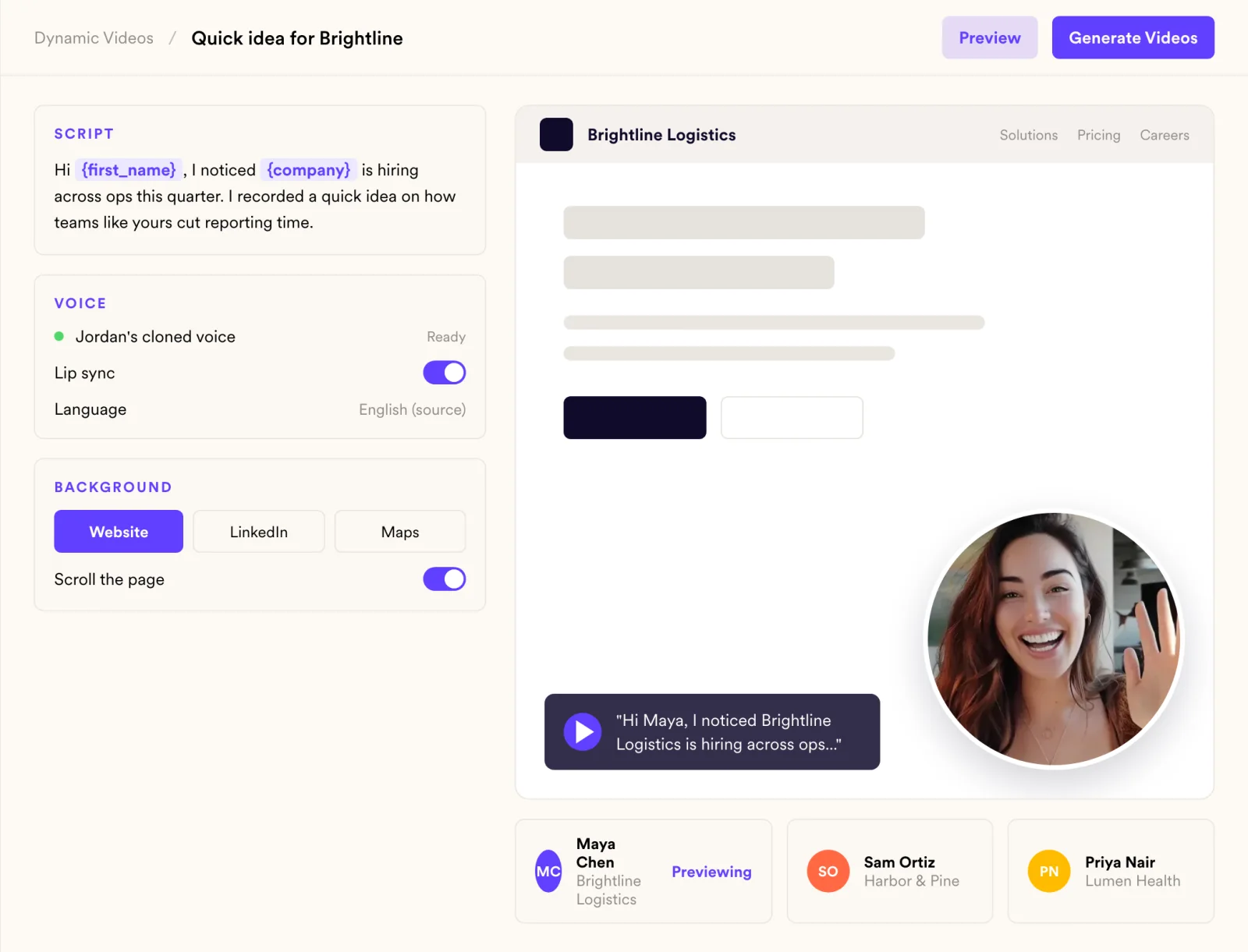
Automation usually means generic. Not here.
Each generated video says the prospect's name in your voice and can show their website behind you, exactly like one you generated by hand.
Your sequence can't react to a video it can't see
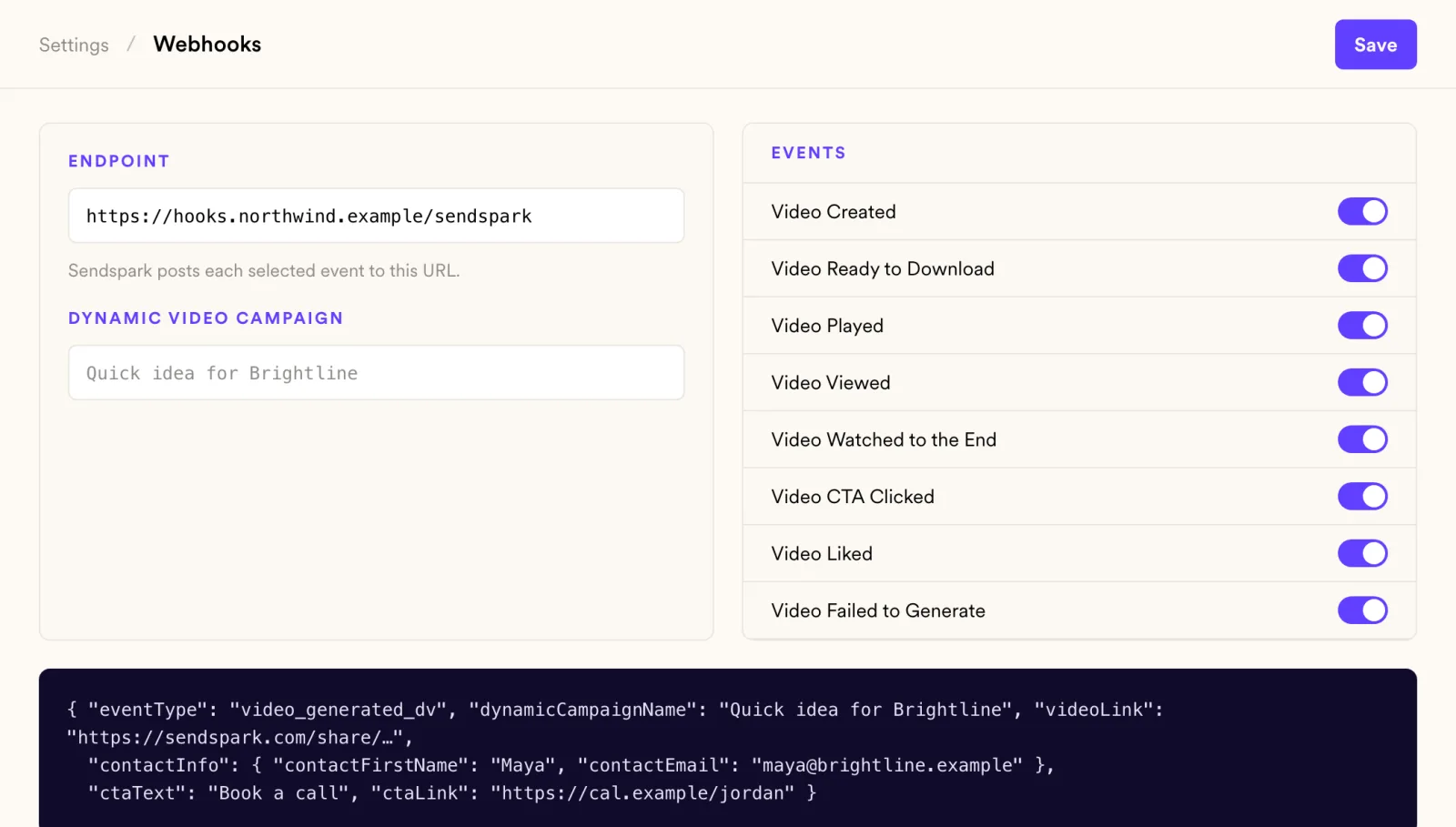
Views, watch time and CTA clicks post back through webhooks, so the next step in your sequence can depend on what happened.
How it works
- 1
Choose a trigger
A new contact, a sequence step or an automation in Zapier or Make.
- 2
Pick the video
Select the recorded video and the variables to personalize.
- 3
Turn it on
Sendspark generates and sends each video as the trigger fires.
 HubSpot
 Salesforce
 Clay
 Zapier
 Make
 RB2B
 Warmly
 Expandi
 Salesforge
 Outreach
Goes well with
Frequently asked questions
What can trigger a workflow?
A contact added in your CRM, a step in a sequence, or an automation in Zapier or Make. Sources include HubSpot, Salesforce, Clay, RB2B, Warmly, Expandi and Salesforge.
Which plan includes Automated Workflows?
Growth and above. Task quotas apply.
Are automated videos as personalized as manual ones?
Yes. They use the same voice cloning, variables and dynamic backgrounds.
Can I get results back into my CRM?
Yes. Webhooks post events such as Video Viewed, Video Watched to the End and Video CTA Clicked to your endpoint or automation tool.
Updated
Make your next outreach personal.
Record one video and let Sendspark do the rest.