Sendspark Make.com integration for AI personalized videos
The Sendspark Make integration creates an AI personalized video from any Make scenario by posting each prospect to the Sendspark API, then fires a webhook back to Make when the video is ready to send. Sendspark is an AI personalized video platform for B2B sales and marketing teams. Ops teams and agencies use it to build their own trigger-to-send flows without code.
 SOC 2 Type II
- Read reviews on G2


Sendspark and Make at a glance
- Integration type
- Import and automation source (HTTP request plus webhook)
- How data moves
- Make posts each prospect to the Sendspark API; Sendspark sends a Video Created webhook back to Make with the videoLink and thumbnailUrl so you can send it.
- Plan
- Growth and above
- What you need
- A Make account, a Sendspark Dynamic Video campaign, your API key and API secret, your workspaceId and the campaign's dynamicId.
- Setup guides
- On Make's side
- About Make
Your automations move data everywhere except into a personal message
You've wired your CRM, forms and sequences together, yet the message at the end is still text anyone could have sent. Adding video by hand breaks the automation, so it never happens at scale.
How to use Sendspark with Make
- 1
Set up a Dynamic Video campaign
In Sendspark's Dynamic Video section, record or upload a video, say "Watermelon" where the first name goes, turn on Voice Cloning, and pick a page template. Add a few test contacts and preview before you automate.
- 2
Add an HTTP request in Make
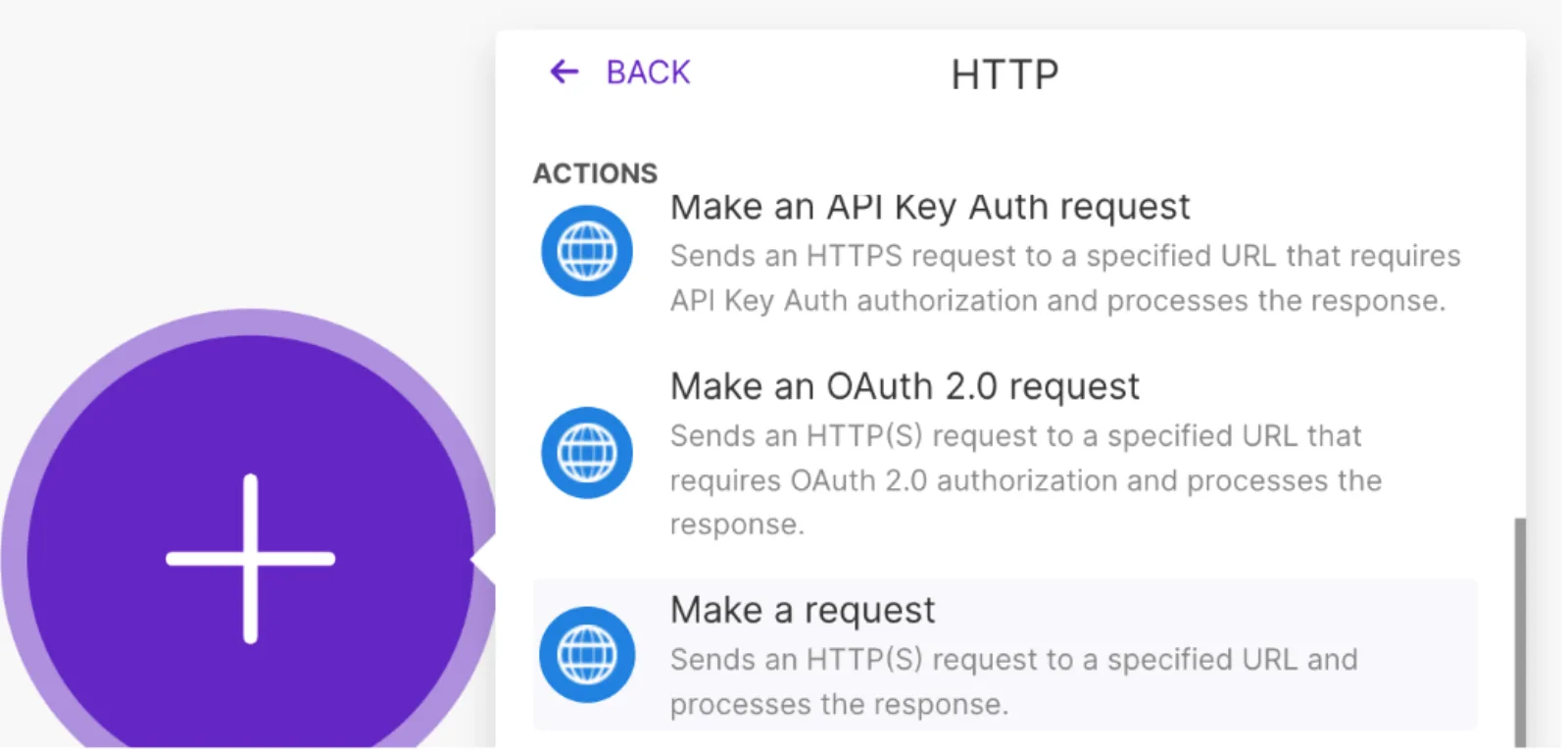
Create a new scenario with any trigger, then add the HTTP module's Make a request action.
- 3
Point it at the Sendspark API
Set the URL to https://api-gw.sendspark.com/v1/workspaces/{workspaceId}/dynamics/{dynamicId}/prospect with method POST and the x-api-key and x-api-secret headers. Use a Raw JSON body with a prospect object (contactName, contactEmail, company, backgroundUrl).
- 4
Catch the ready video with a webhook
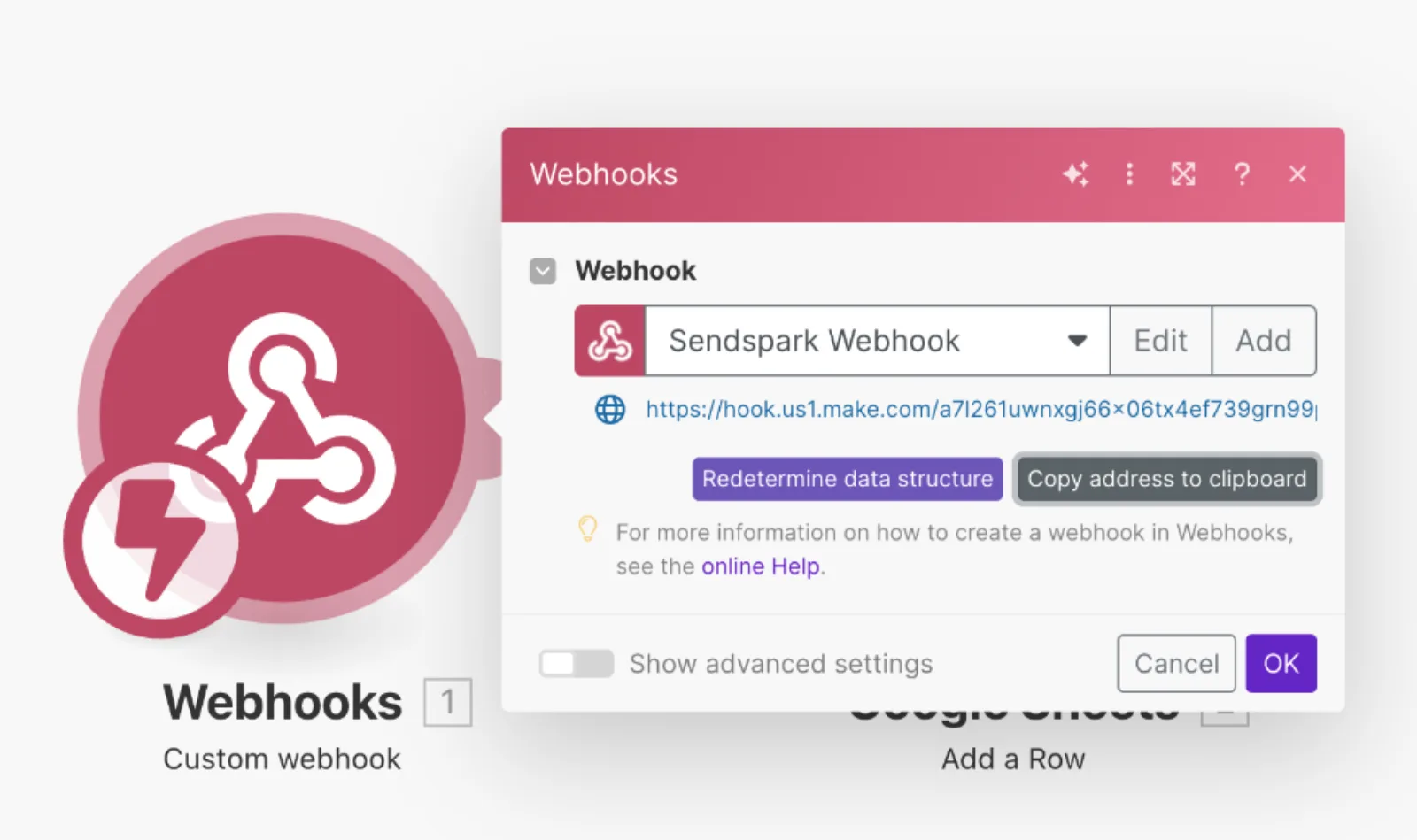
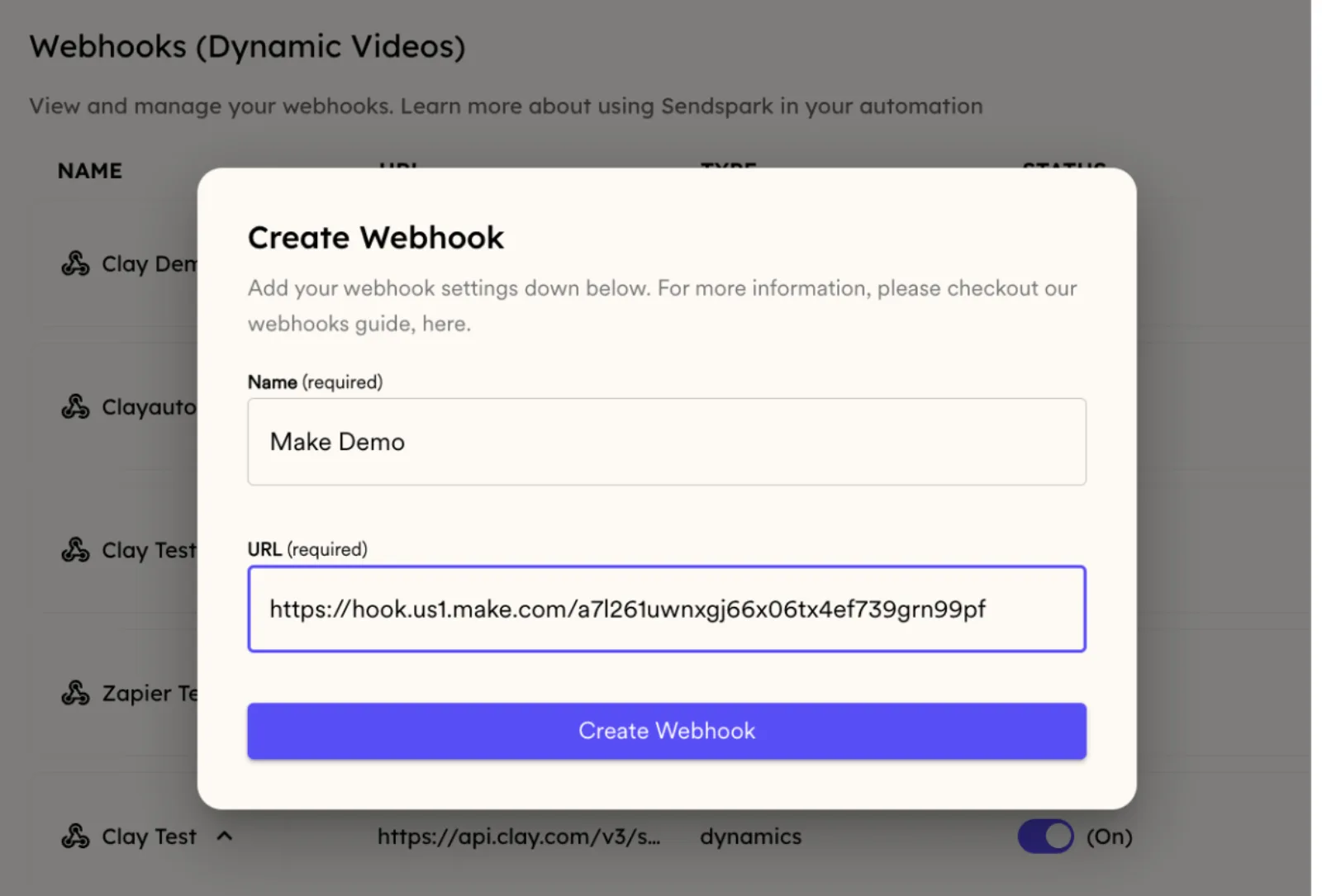
In a new scenario, add a Custom Webhook and click Copy address to clipboard. In Sendspark's Webhooks section, click New Webhook, paste the URL and name it.
- 5
Connect the campaign and send
Open the webhook, tick Video Created and use Connect Campaign. Then add an email step that sends to contactEmail with videoLink, or embed thumbnailUrl inside a link for an animated preview.
What teams do with Sendspark and Make
Send a GIF video email straight from Make
Use the webhook's contactEmail in the To field and drop an HTML snippet that wraps thumbnailUrl in a link to videoLink. Recipients see a moving preview instead of a bare link.
Read the guideEnroll the lead in your sequence once the video exists
Paste your sending tool's snippet from Share Campaign into the sequence template, then have Make enroll the contact when the webhook arrives. The email in your sequence must match the one in Sendspark.
Read the guideWhat Make data personalizes each video
- contactName replaces "Watermelon" in the cloned voice; contactEmail identifies the video for later matching.
- company and customfield fill Sendspark variables; backgroundUrl sets the scrolling website behind you.
- The webhook returns videoLink, thumbnailUrl and contactEmail for your send step.
- Pasting the sample JSON straight into Make fails because of hidden formatting; clean it with a JSON validator first.
Where you see who watched from Make
Sendspark records views, watch time, CTA clicks and likes for each video. Other webhook events, such as Video Viewed, can trigger further Make scenarios.
Explore Video AnalyticsSendspark and Make: frequently asked questions
Does Sendspark integrate with Make.com?
Yes. You call the Sendspark API from Make's HTTP module to create videos, and a Sendspark webhook tells your Make scenario when each one is ready.
Which plan do I need for the Make integration?
It uses the Sendspark API and webhooks, which are on Growth and above.
Where do I find the workspaceId and dynamicId?
The workspaceId is on the API Credentials tab, next to your API key and secret. The dynamicId is in your dynamic video campaign's URL.
Why won't the sample body paste into Make?
It carries hidden formatting. Run it through a JSON validator such as jsonlint.com, then paste the cleaned JSON into the request body.
Updated


Make your next outreach personal.
Record one video and let Sendspark do the rest.
