Request videos from anyone with a link
Send a request link and the person records or uploads a video for you, from their camera, their screen or a file. Teams on Sendspark's AI personalized video platform use requests for testimonials, customer stories and support, including from Intercom.
 SOC 2 Type II
- Read reviews on G2
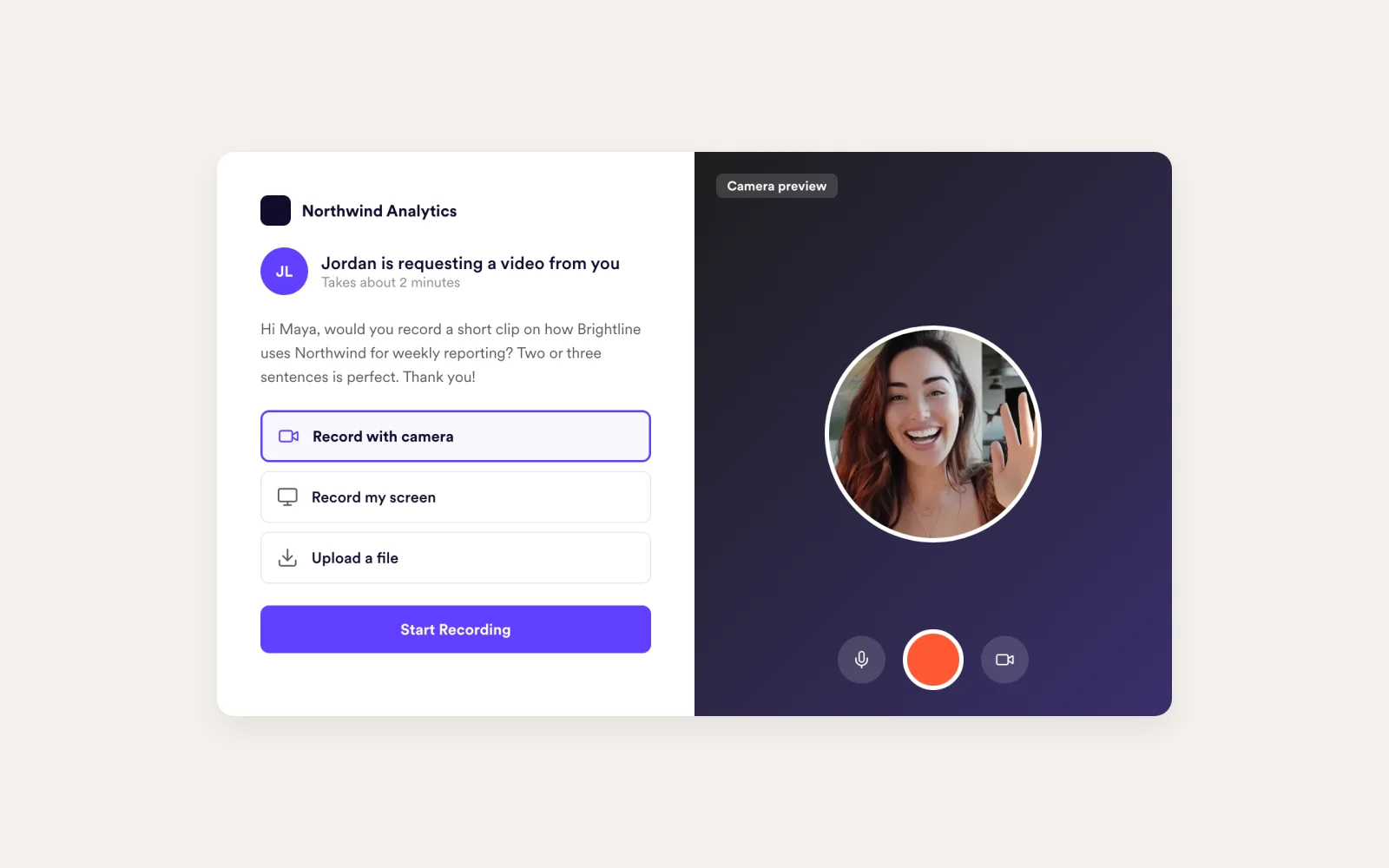
Testimonials stall when recording is hard
Send one link. The customer records from their camera or screen, or uploads a file, and the video lands in your library.
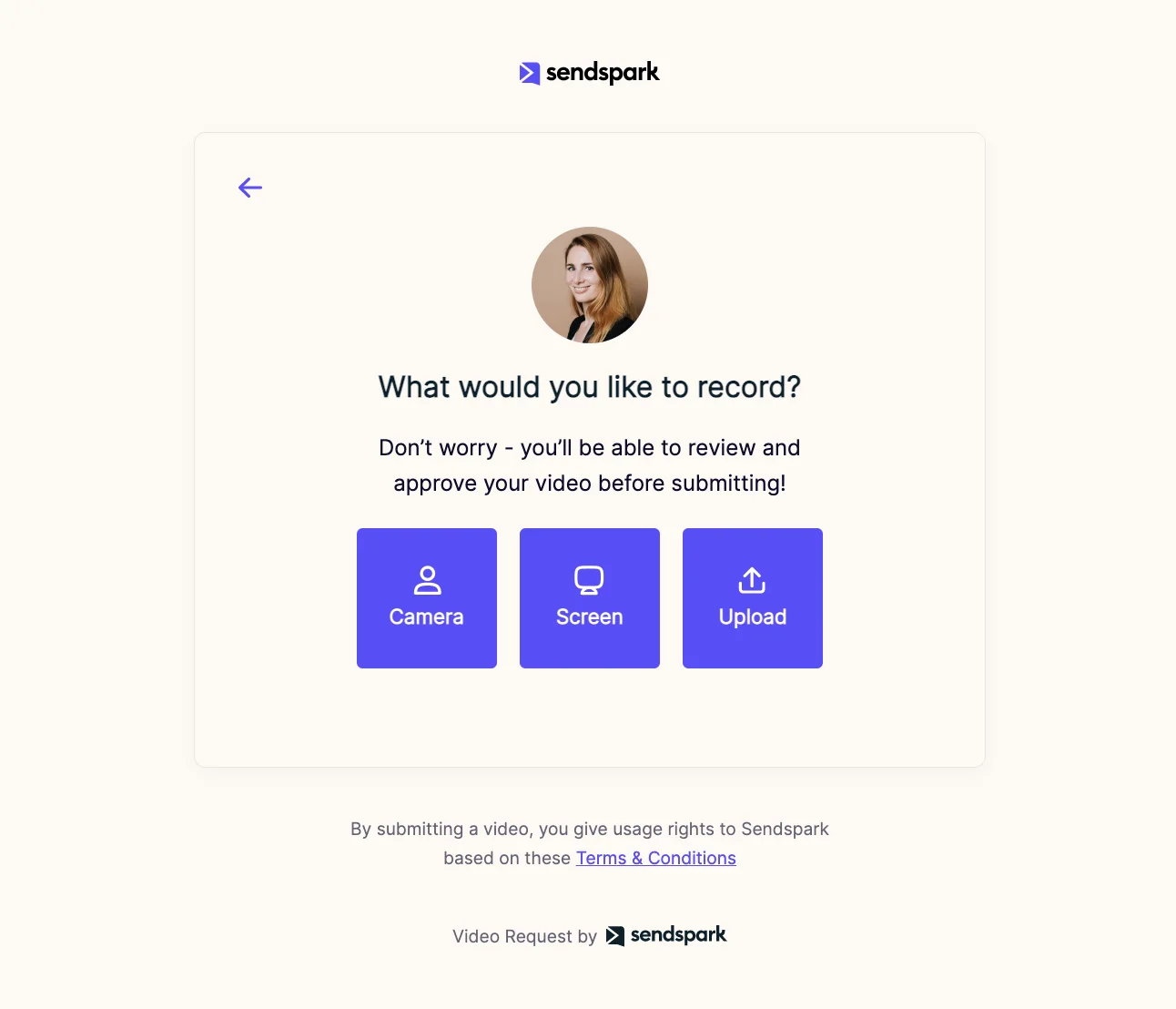
Get the video, not the back-and-forth
Requests work for support too. Ask a customer to show the problem on their screen, including from an Intercom conversation.
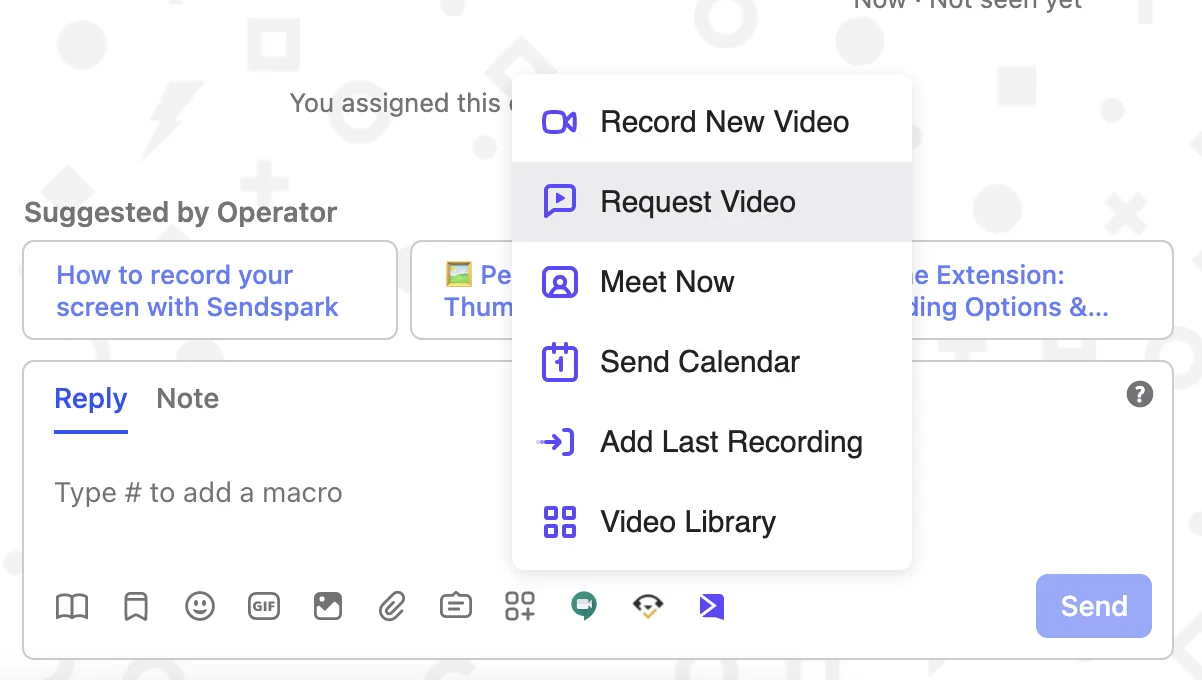
No more digging through email for files
Requested videos appear in your Sendspark library, ready to share, embed or download.
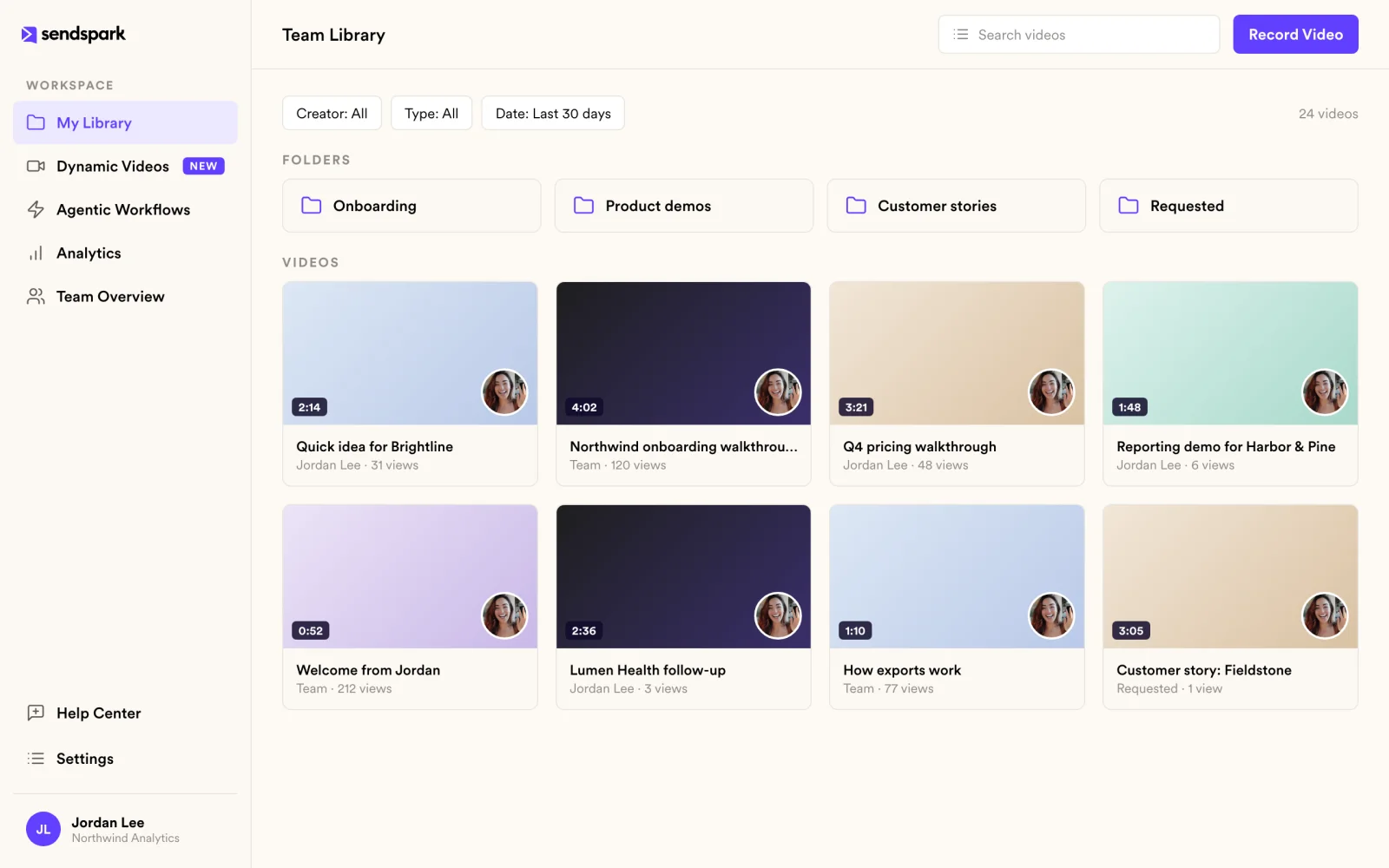
How it works
- 1
Create a request
Write a short note about what you need.
- 2
Share the link
In email, chat or Intercom.
- 3
Receive the video
They record or upload; it shows up in your library.
 Intercom
 Gmail
Gmail Outlook
 LinkedIn
Goes well with
Frequently asked questions
Does the person need a Sendspark account?
No. They open your request link and record or upload a video without signing up.
How can they record?
From their camera, their screen or by uploading a file.
Can I request videos from Intercom?
Yes. Send a request link from an Intercom conversation to collect a video from a customer.
Where do requested videos go?
Into your Sendspark library, where you can share, embed or download them.
Updated
Make your next outreach personal.
Record one video and let Sendspark do the rest.
