AI script generator and teleprompter for video
Write a script with AI, then read it on screen while you record, so you keep eye contact and stay on message. The script generator and teleprompter are built into Sendspark's AI personalized video platform, for reps who want to record once and get it right.
 SOC 2 Type II
- Read reviews on G2
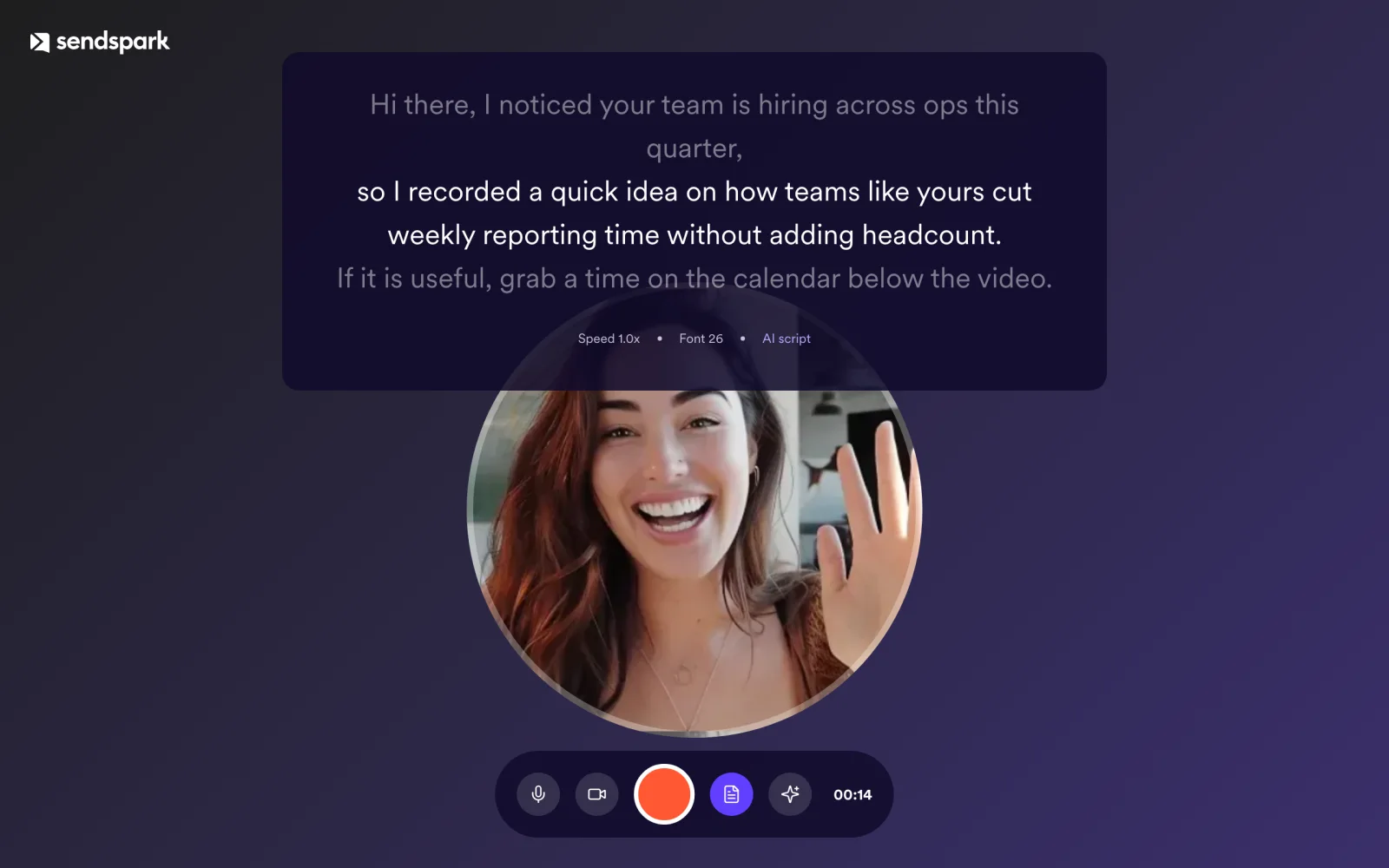
Blank page? Let AI write the first draft
Describe who the video is for and what you want to say. The AI script generator writes a script you can edit before you record.

Reading a script shouldn't cost you eye contact
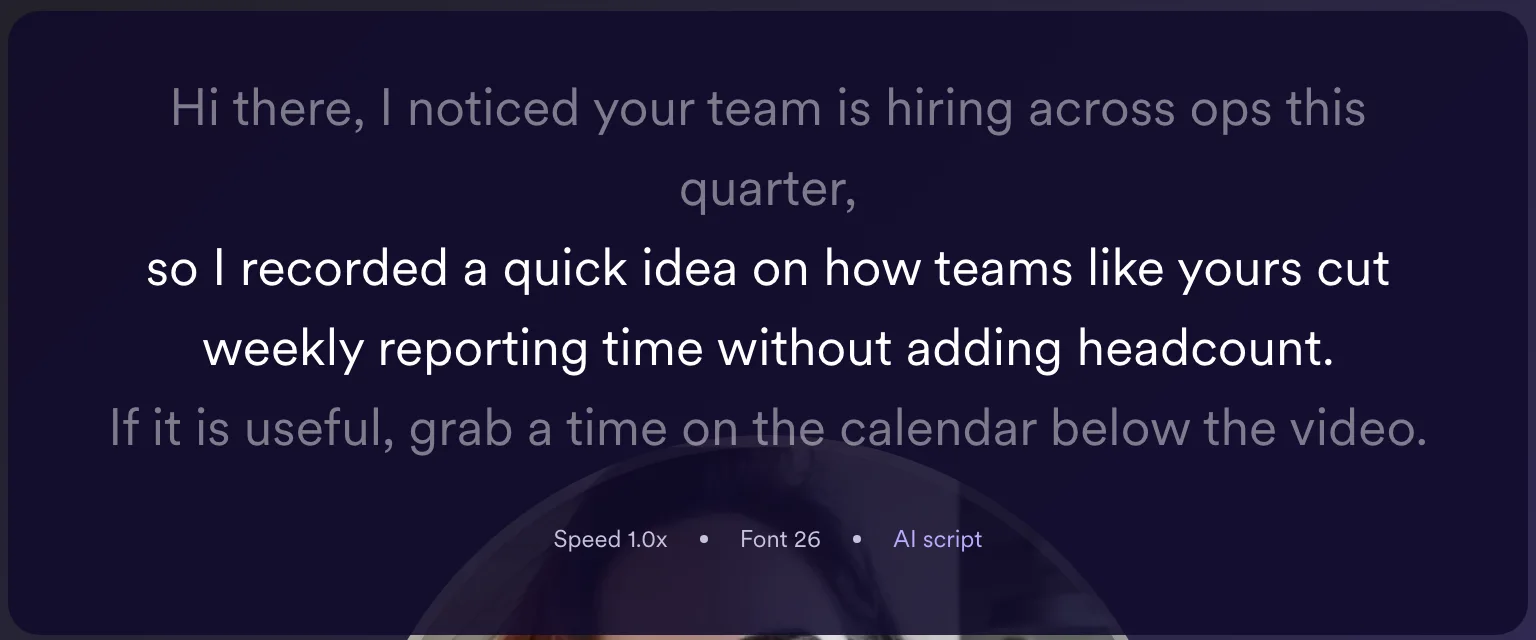
The teleprompter shows your script on screen near the camera, so you can read and still look at the viewer.
Stop recording take after take
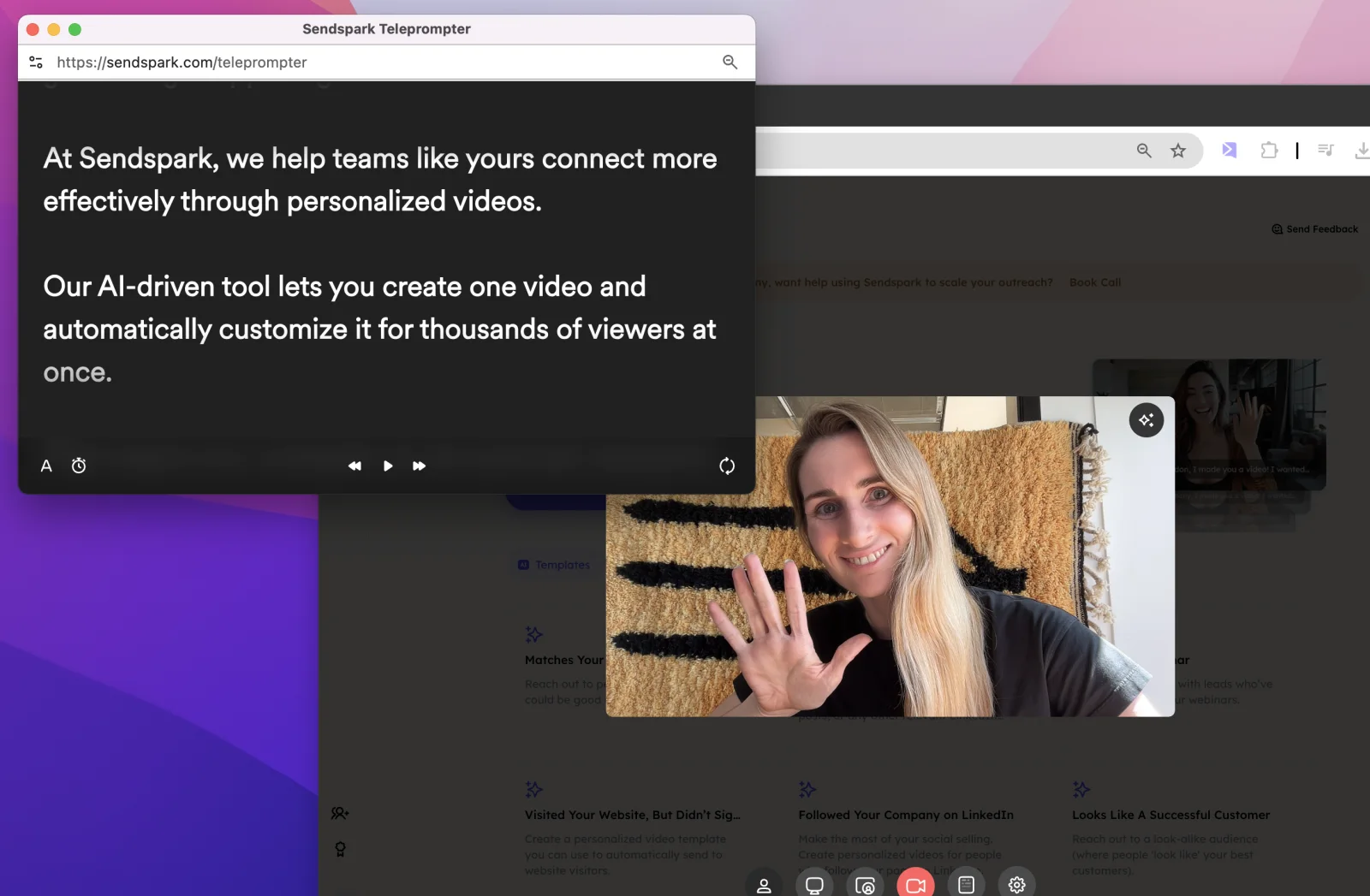
With the script on screen, camera effects on and trimming afterward, you need fewer retakes.
How it works
- 1
Write or generate a script
Type your own or let the AI script generator draft one.
- 2
Record with the teleprompter on
Your script appears on screen while the camera records.
- 3
Trim and send
Cut any pauses, then share the link or insert the video in an email.
 Chrome extension
 Mac app
 Windows app
Goes well with
Frequently asked questions
Can AI write my script?
Yes. The AI script generator drafts a script you can edit before recording.
Where is the teleprompter available?
In the Sendspark recorder, in the Chrome extension and the desktop app for Mac and Windows.
Can I use the teleprompter with AI personalized video?
Yes. Record your base video with the teleprompter, then personalize it for each prospect.
Updated
Make your next outreach personal.
Record one video and let Sendspark do the rest.
