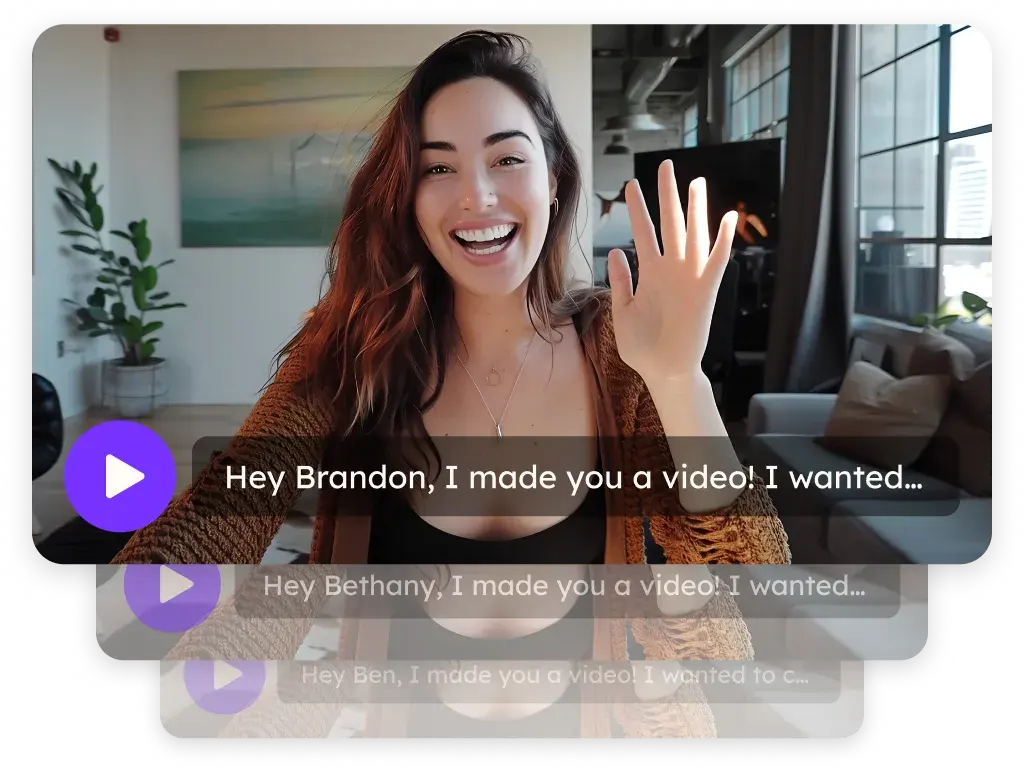
Personalized video for real estate agents and teams
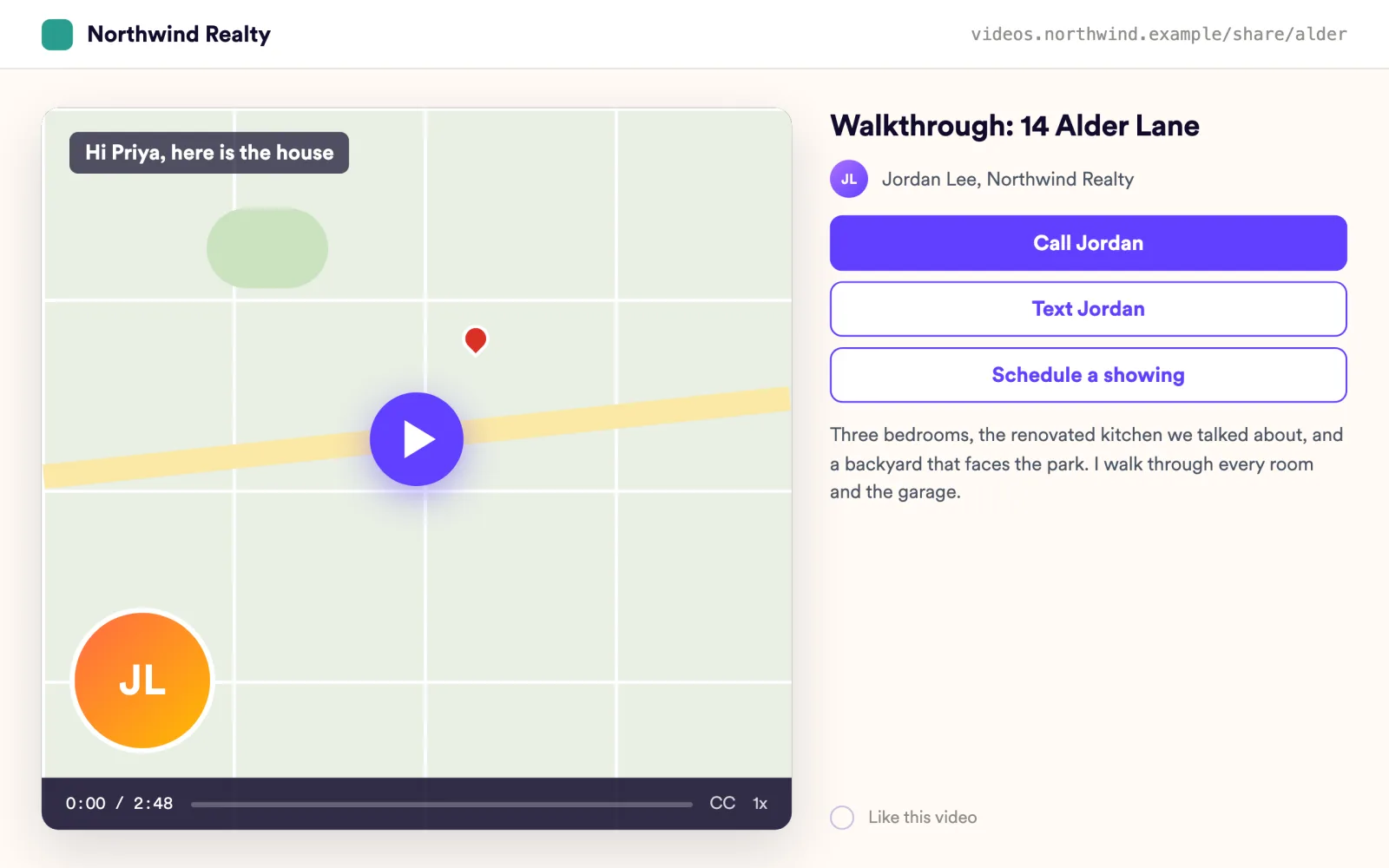
Sendspark is an AI personalized video platform that real estate agents, teams and brokerages use for listing walkthroughs, buyer and seller follow-up and lead nurture. Record a walkthrough once, let Sendspark greet each lead by name with their neighborhood on Google Maps behind you, and give them a Call or Text button on the page.
 SOC 2 Type II
- Read reviews on G2
Trusted by sales and marketing teams at












Leads that go quiet between the showing and the offer
The follow-up text gets a thumbs-up, the listing email gets opened once, and the seller forgets which comps you walked through. Every touch is short because recording something personal takes too long.
Where a video carries what a text can't
- 1
The listing walkthrough
Record the walkthrough once on your phone or the desktop app, upload it, and send each buyer their own version with their name.
Record Videos - 2
The new lead
A lead fills out a form, and a workflow sends a video that greets them by name over a Google Maps view of their search area. Workflows are on Growth and above.
Automated Workflows - 3
Buyer follow-up
After the showing, a camera video with a Call and a Text button beats a voicemail. Alerts tell you when they watch.
Landing Pages - 4
Seller follow-up
Walk sellers through the comps on screen with your camera in the corner. Watch-percentage analytics show who got to the pricing slide.
Video Analytics - 5
Past clients
Record one check-in a year. Sendspark says each past client's name in your voice, so referrals start with a personal note.
AI Personalized Video
From walkthrough to showing without phone tag
Every lead sees their own neighborhood behind you
Dynamic backgrounds put a Google Maps location, a website or an image behind you, and voice cloning says each lead's name, on Solo and above.
Explore AI Personalized Video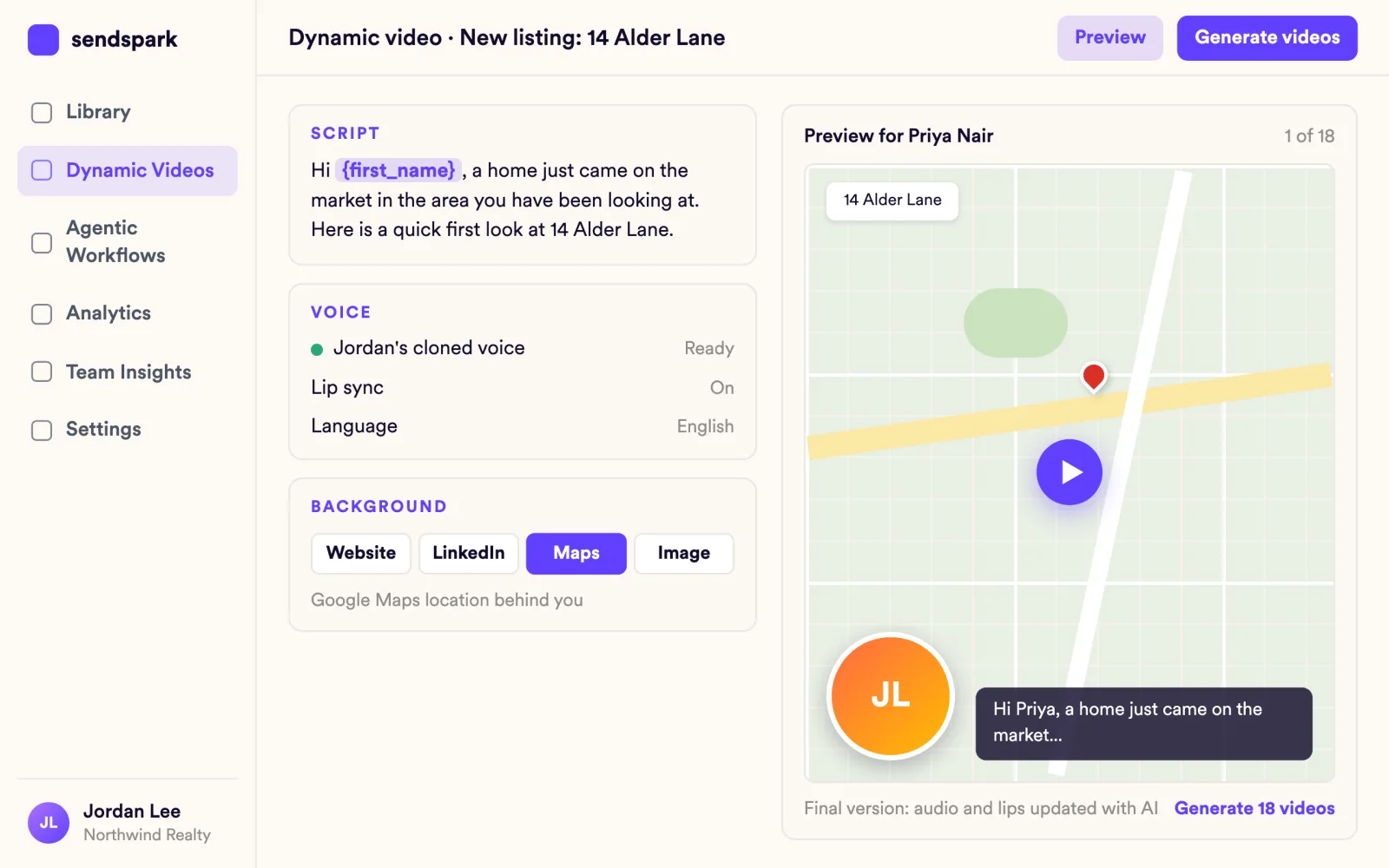
Leads call or text you straight from the video
CTA buttons on the landing page can call a phone number, send an SMS, open a URL or your calendar, or download the disclosure packet. Several CTAs per page.
Explore Landing Pages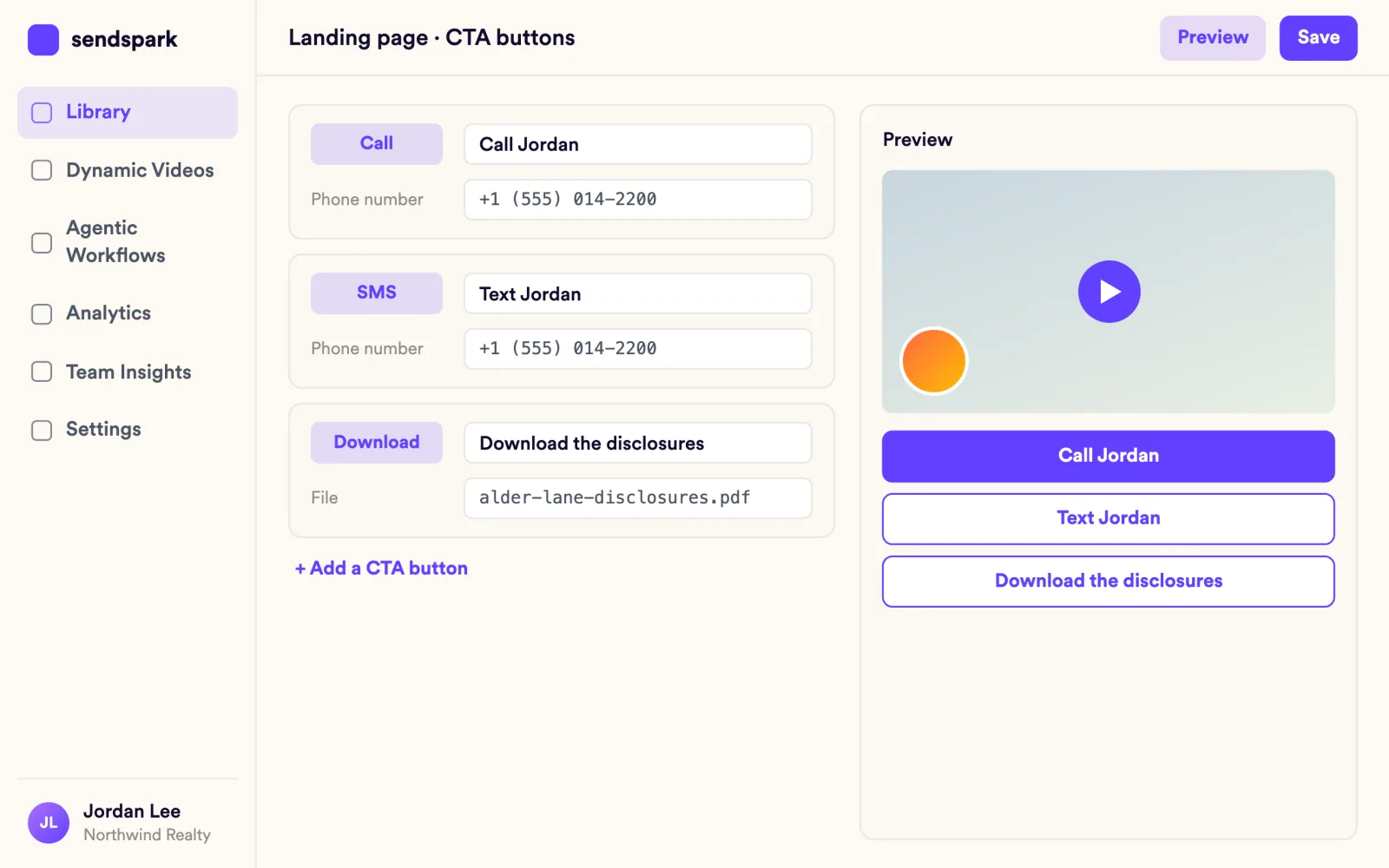
You hear the moment a lead watches
View notifications and engagement alerts tell you who watched and how much. Per-video analytics list every viewer and CTA click.
Explore Video Analytics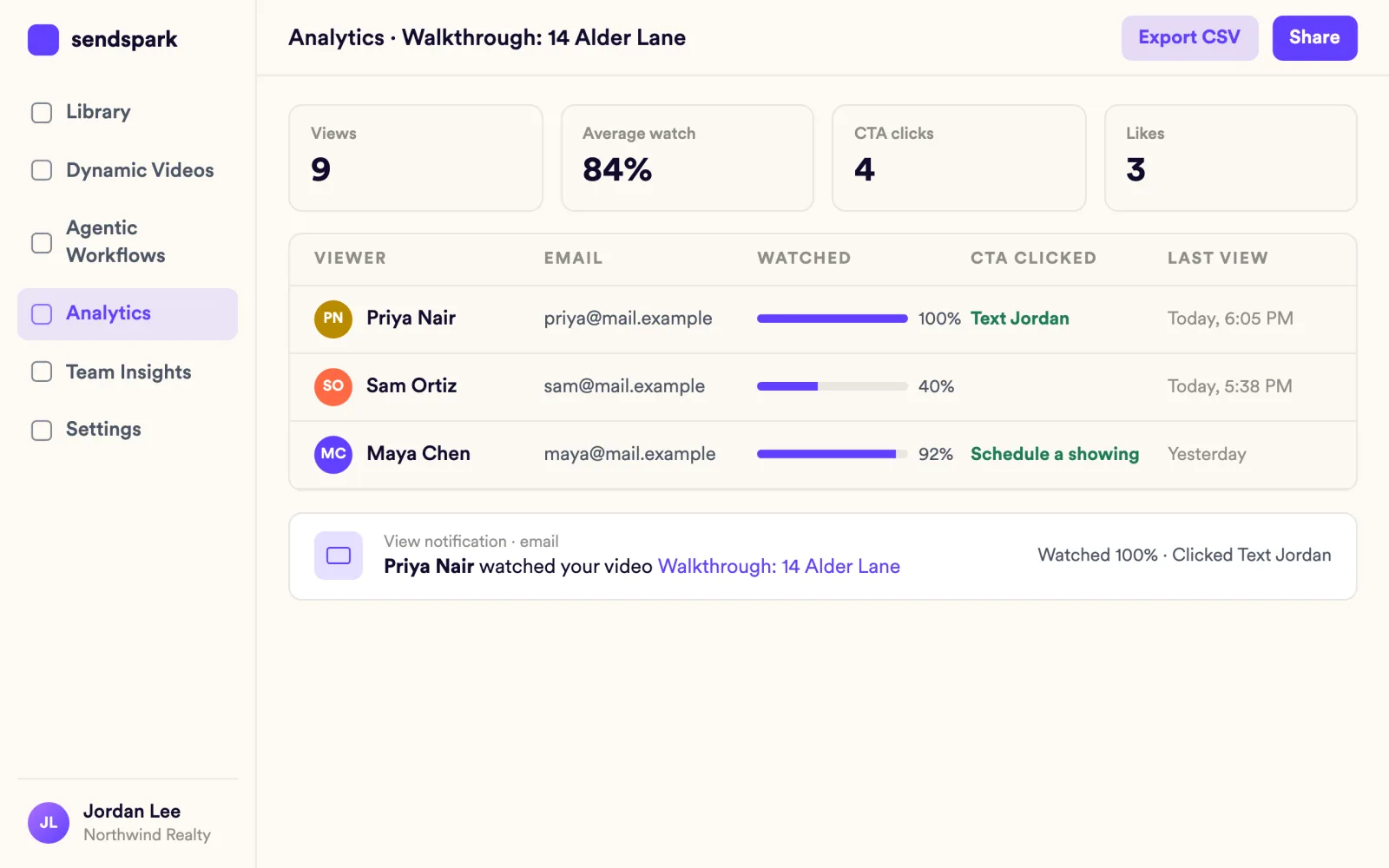
What agents ask first
Plain answers, from what the product does today.
"I'm not a video person."
Record from the Chrome extension or the desktop app, or upload a video from your phone. Background blur and touch-up are built in, and the teleprompter shows your script on screen.
"Does it work with my CRM?"
Paste the video snippet into LeadSimple, Podio, LeadConnector or PhoneBurner, insert it in Gmail with the Chrome extension, or paste it into Outlook. There's no deeper sync with those tools.
"Will leads see a company they don't recognize?"
Landing pages carry your logo and colors. Custom domain and logo are on Growth and above.
Paste your video into your tools, or connect Zapier
 LeadSimple
 Podio
 LeadConnector
 PhoneBurner
 Gmail
 Outlook
 Zapier
Frequently asked questions
What is personalized video for real estate?
It's one walkthrough or follow-up that Sendspark turns into a video for every lead, with their name in your voice and their neighborhood on Google Maps behind you. Agents use it for listing walkthroughs, buyer and seller follow-up and lead nurture.
Can I upload a walkthrough from my phone?
Yes. Upload existing video files, then trim, add an intro and personalize.
Can leads text me from the video?
Yes. A CTA button can send an SMS or call a phone number.
Will I know when a lead watches?
Yes. View notifications and engagement alerts tell you who watched and how much, and per-video analytics list every viewer and CTA click.
Can a new lead get a video automatically?
Yes. When a lead fills out a form, a workflow can send a video that greets them by name over a Google Maps view of their search area. Workflows are on Growth and above.
Updated
Make your next outreach personal.
Record one video and let Sendspark do the rest.